BookIllustrationAI
Generate coloring pages with AI, print-ready for KDP
Describe the book, get clean line art at 300 DPI in a single style, and export an interior PDF with the bleed, trim, and blank backing pages already correct. Generating the image is the easy part. This does the rest.
- 300 DPI line art at your KDP trim size
- One style held across 50+ pages
- Interior PDF with bleed and backing pages
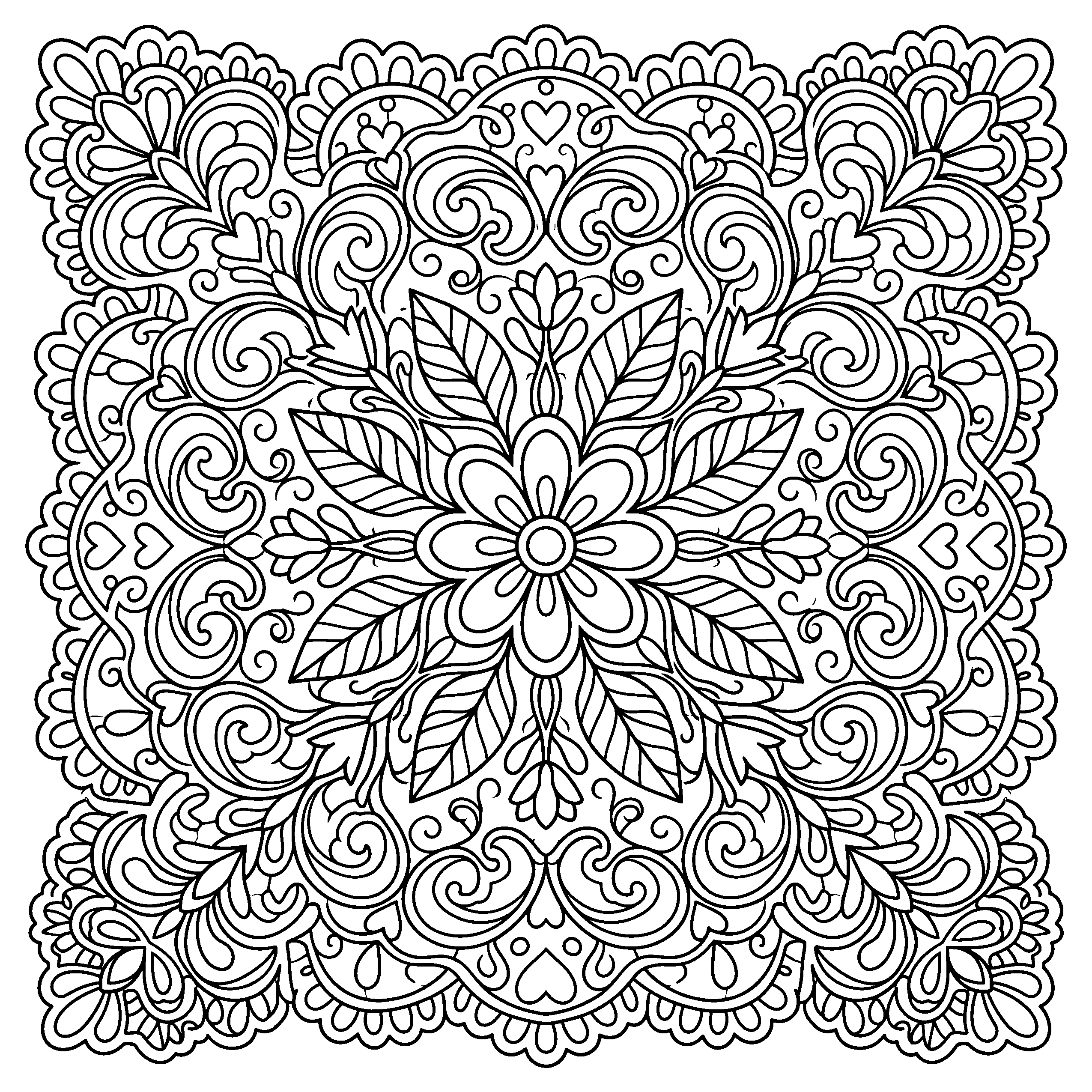
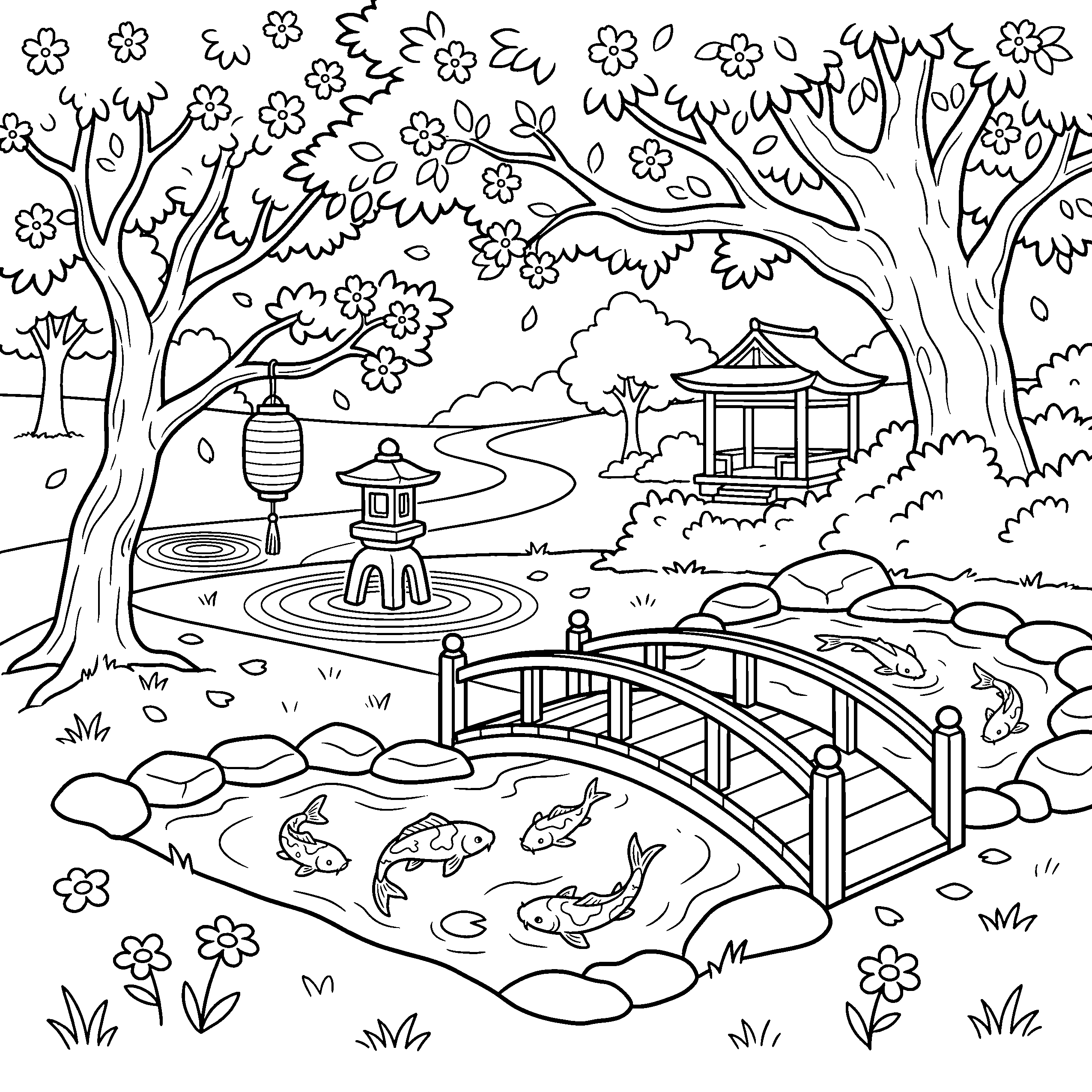
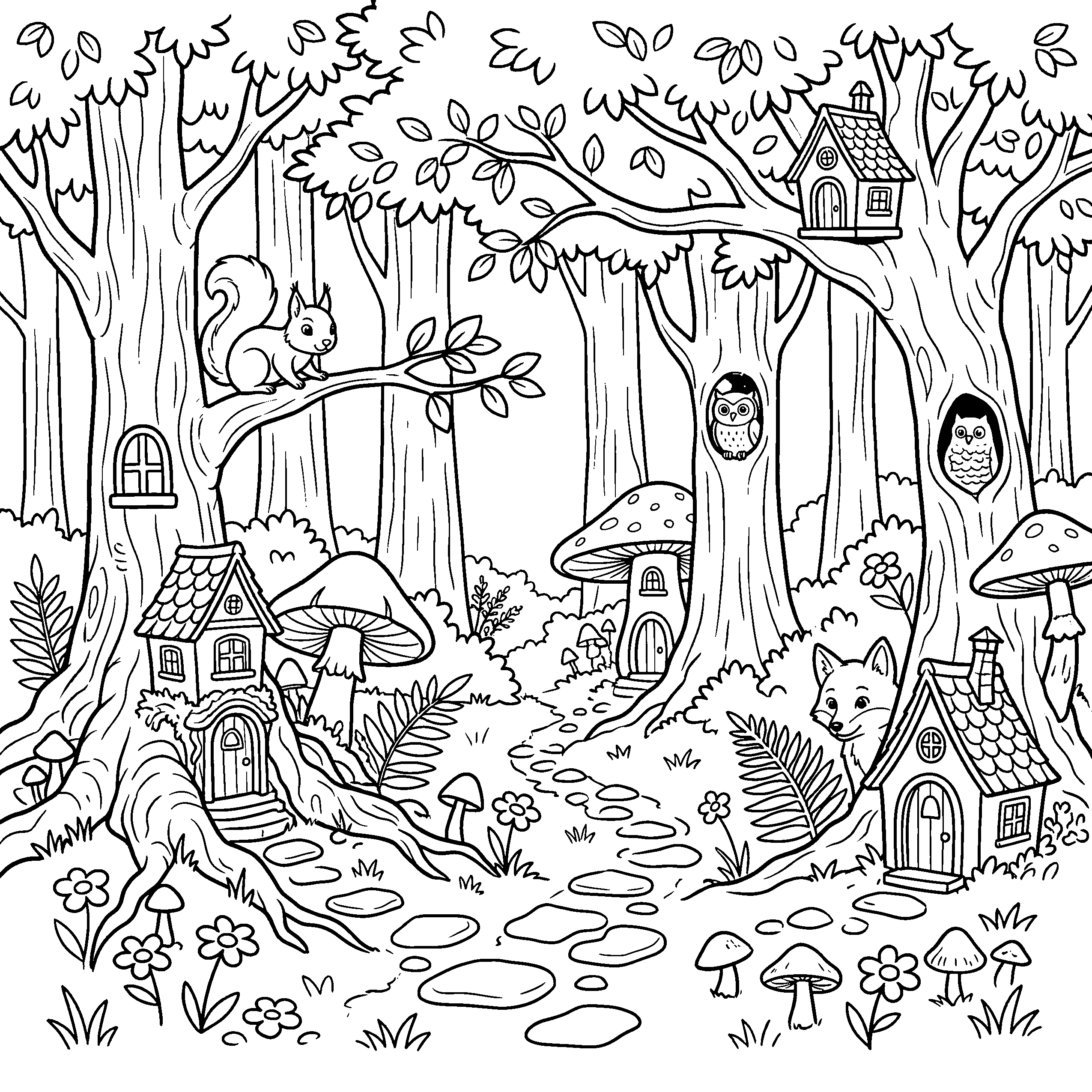
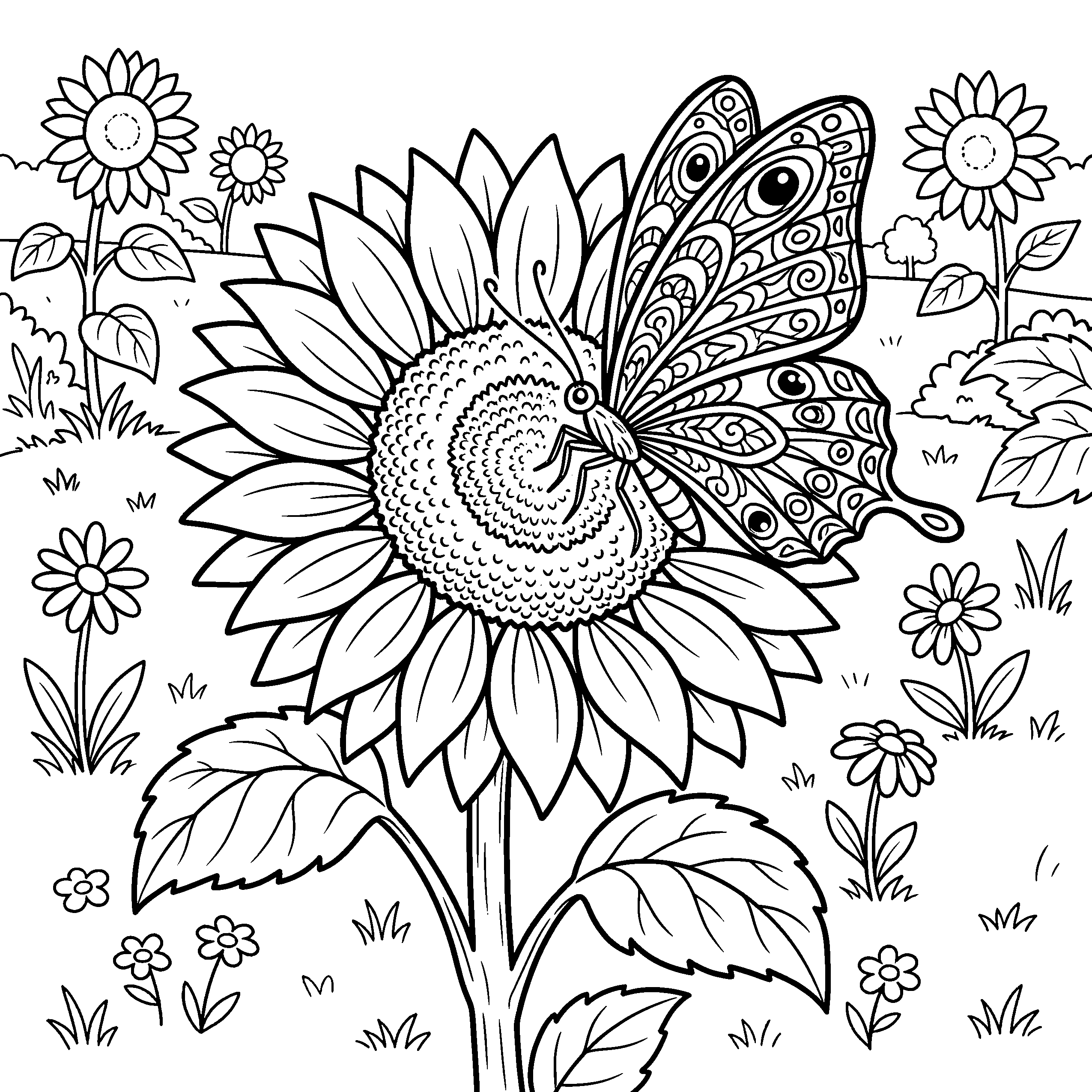
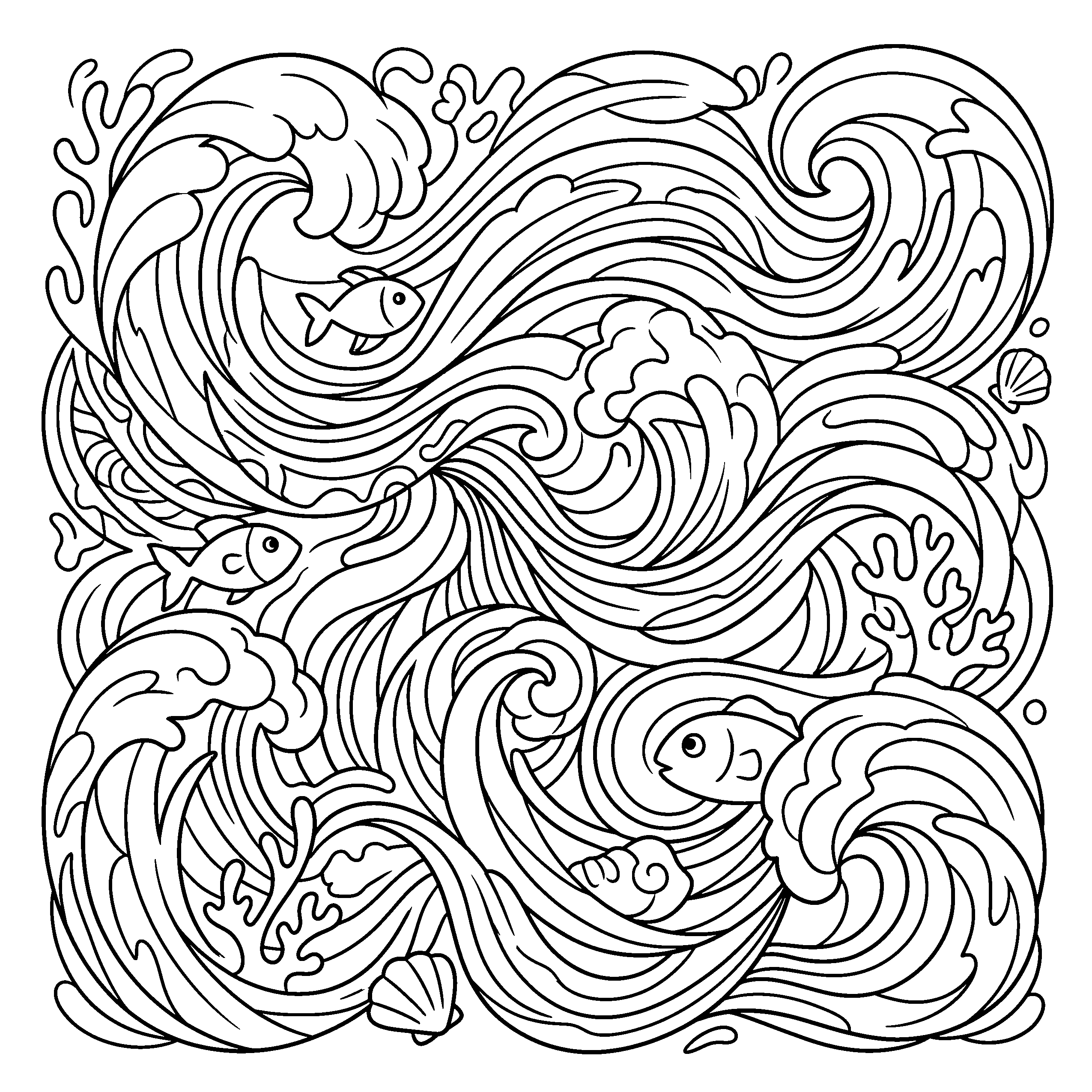
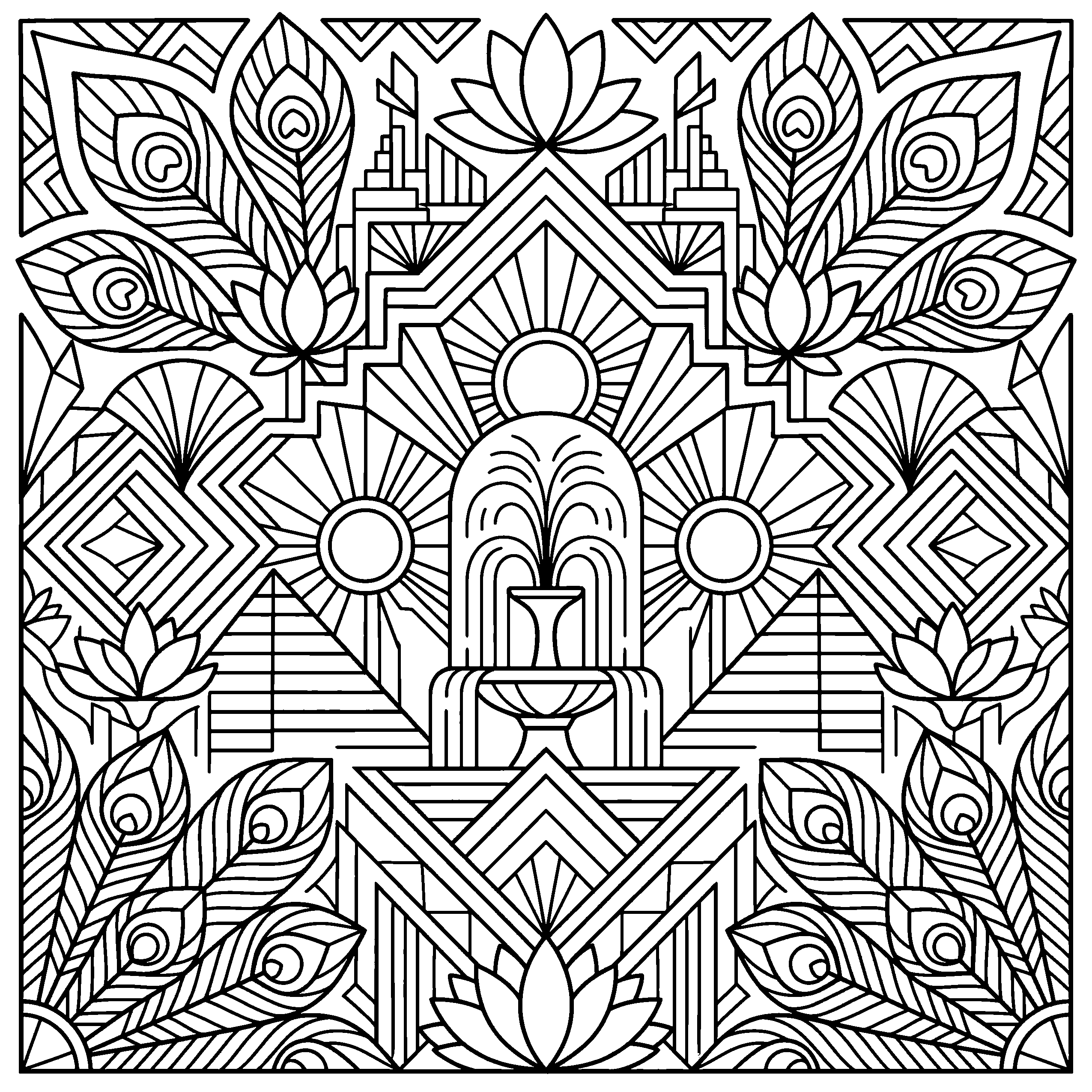
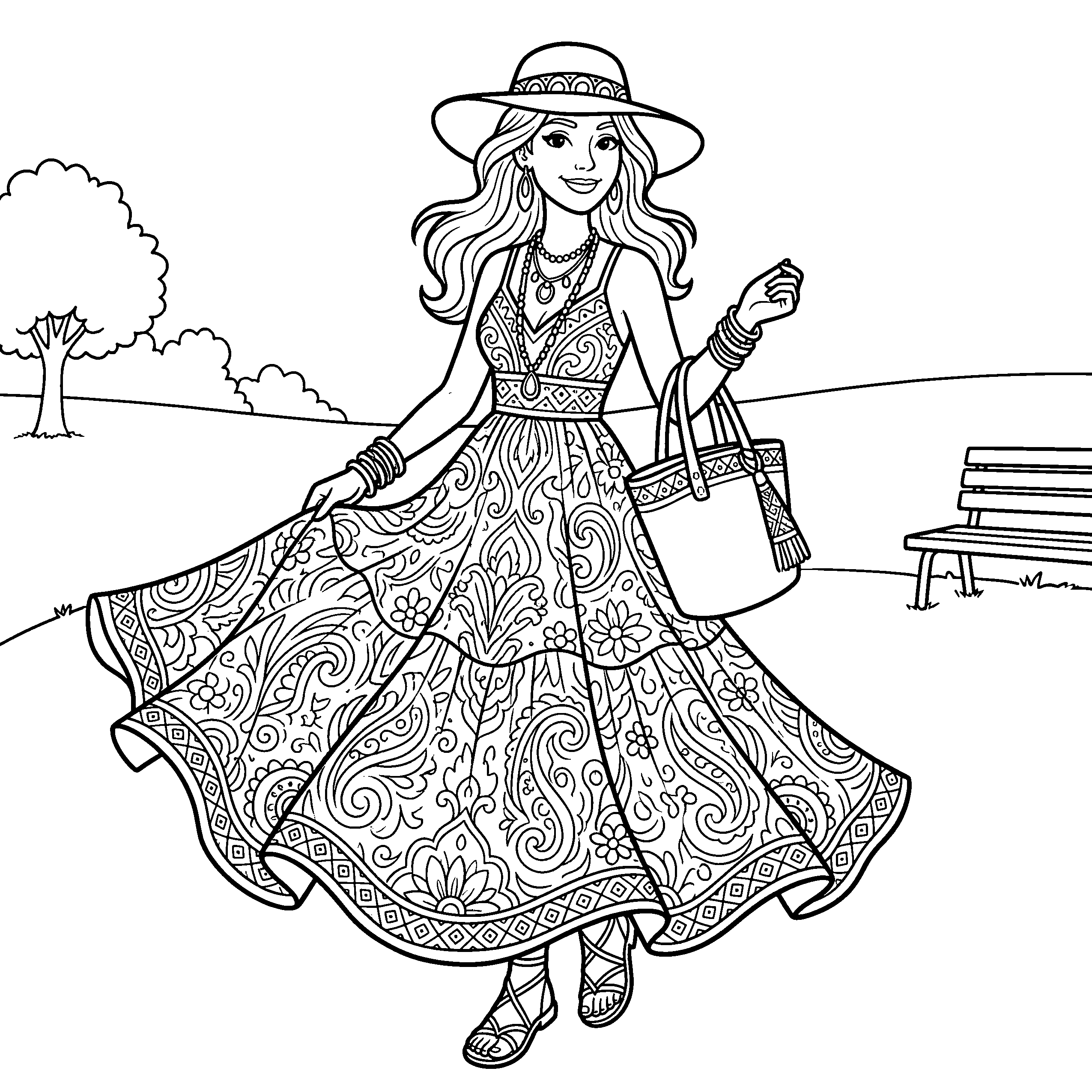
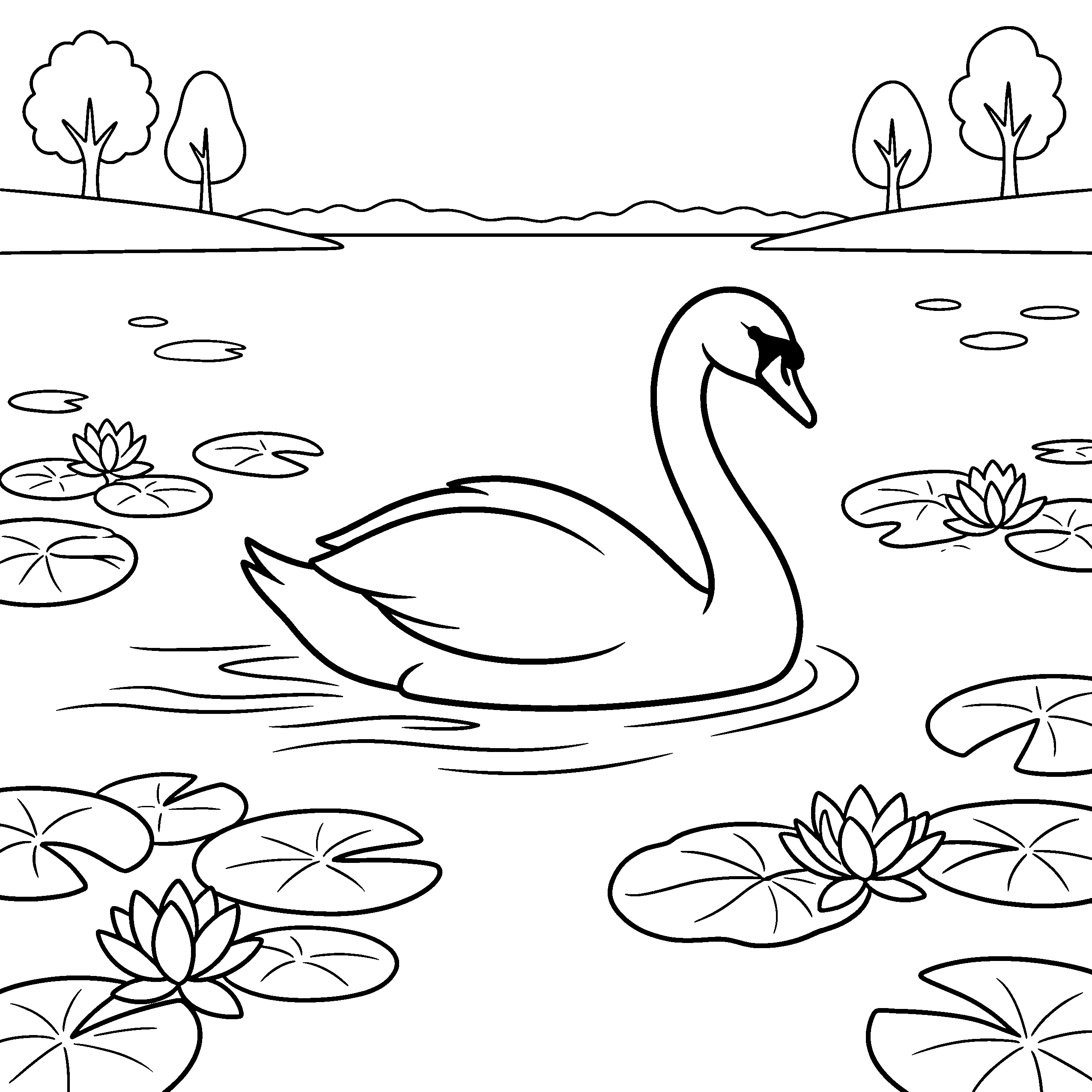
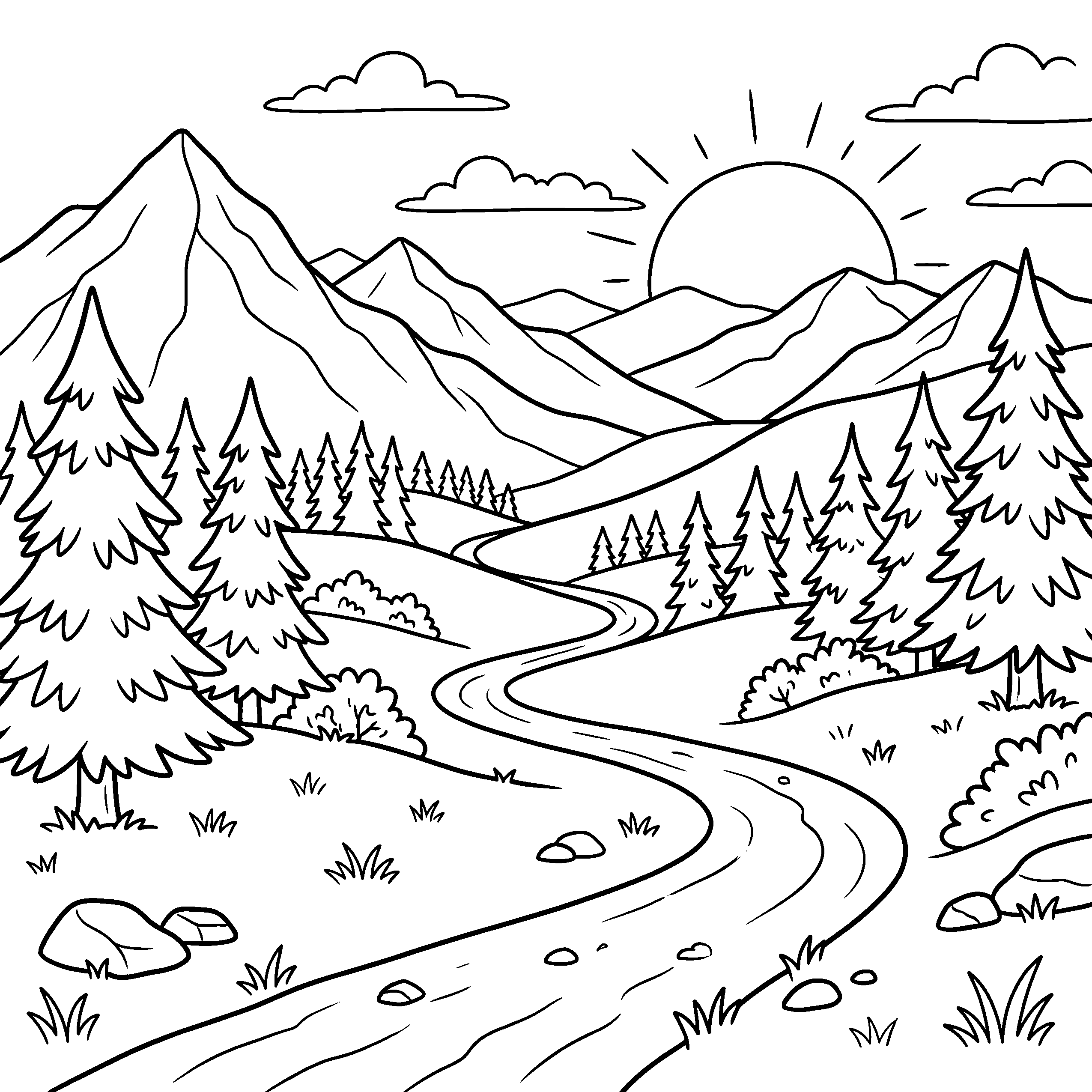
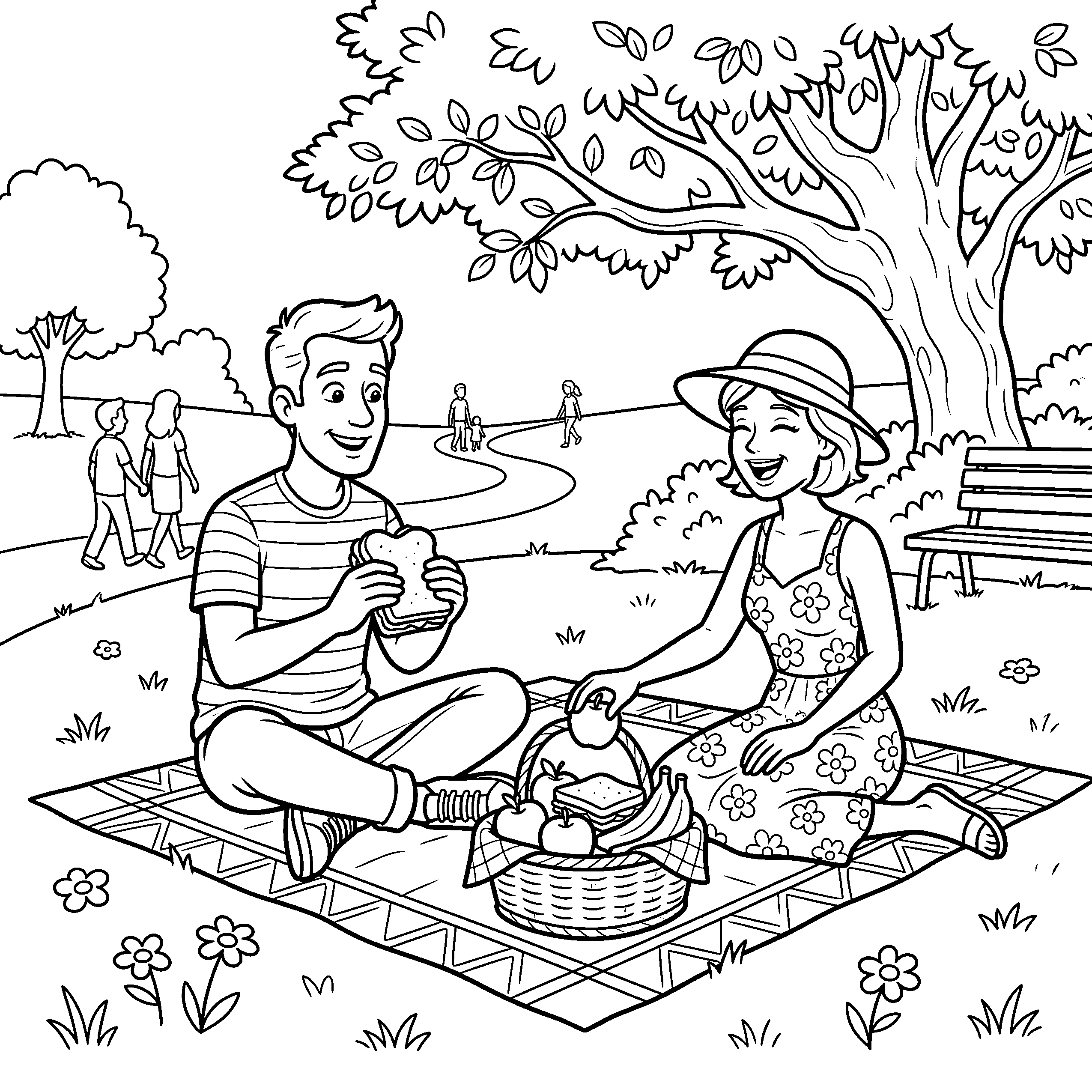
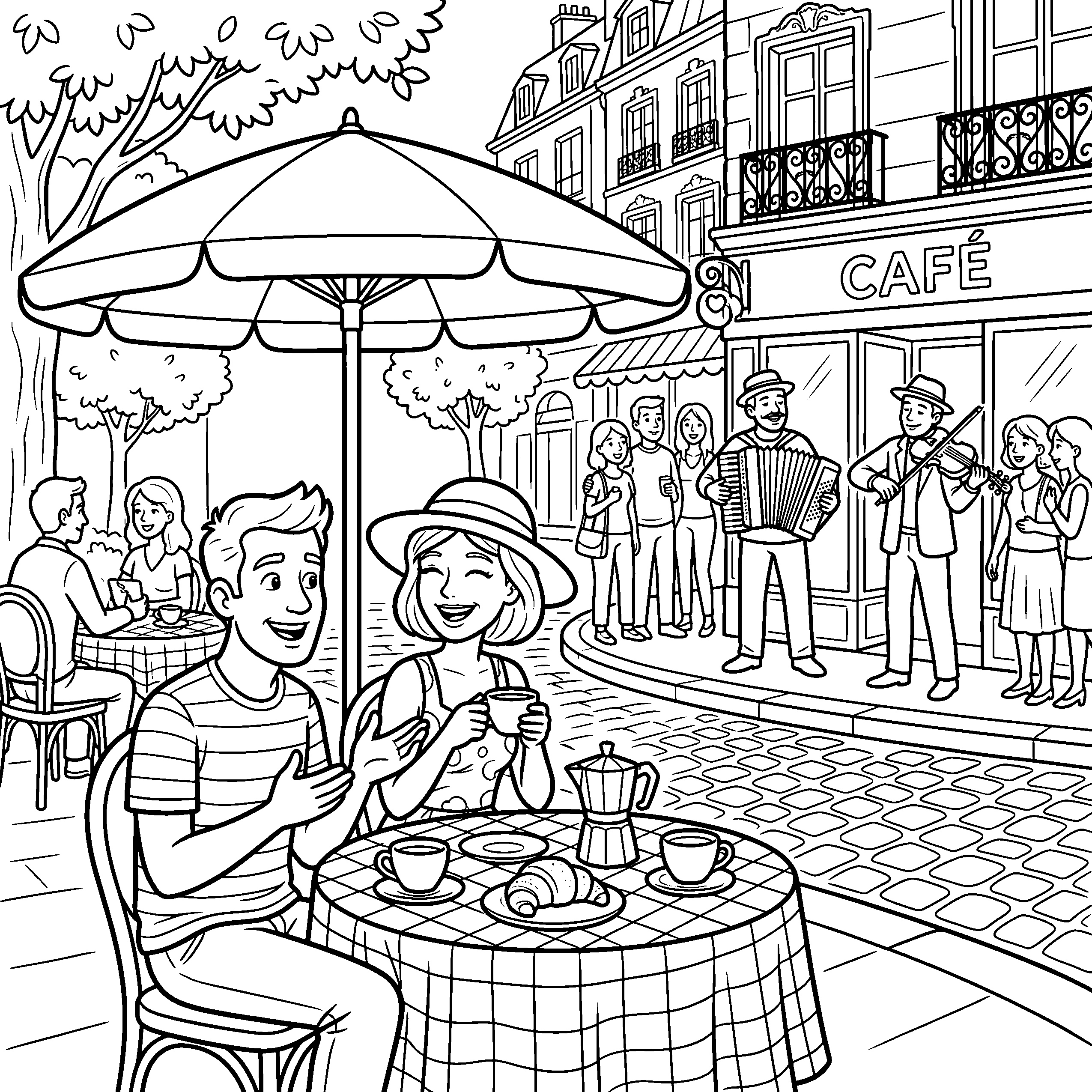
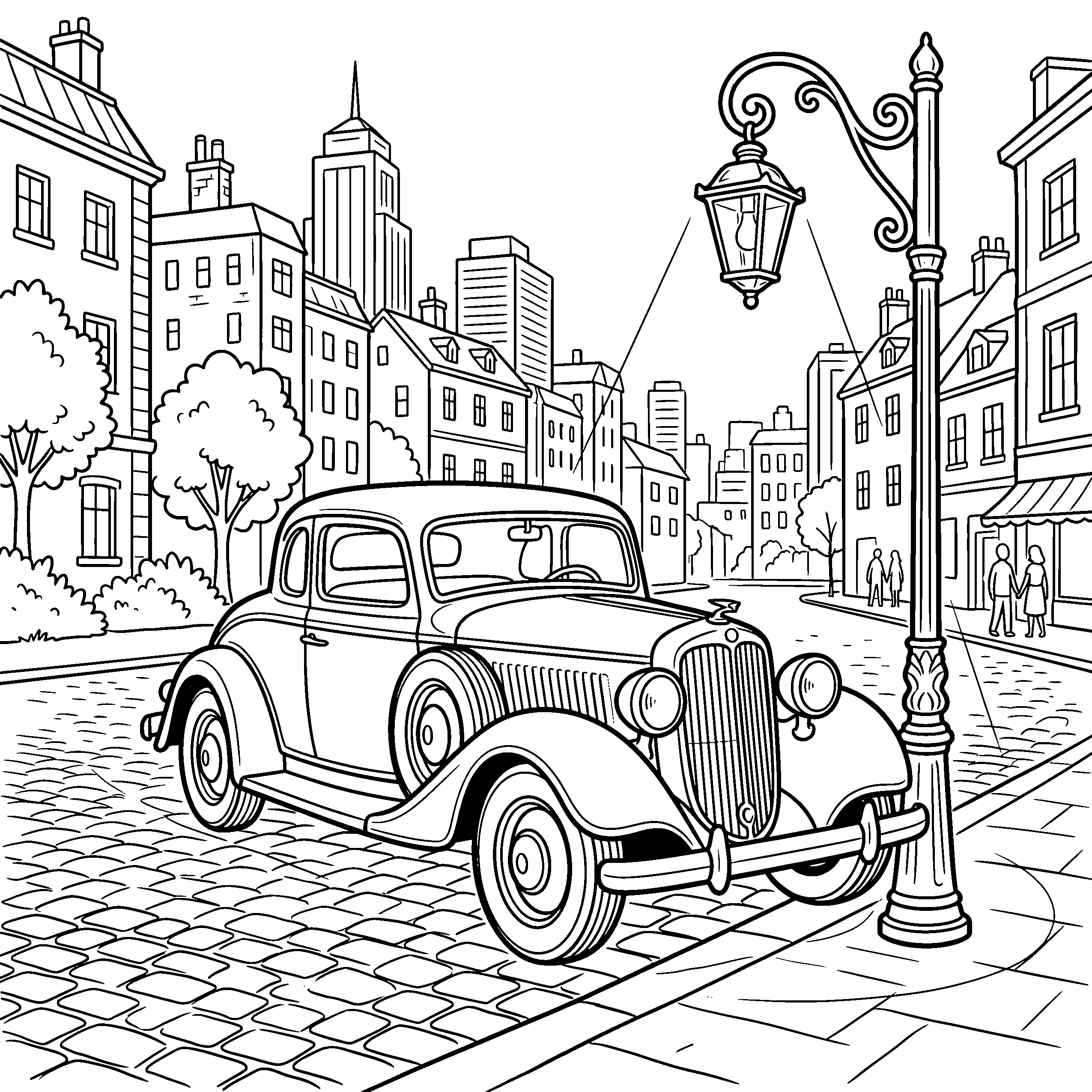
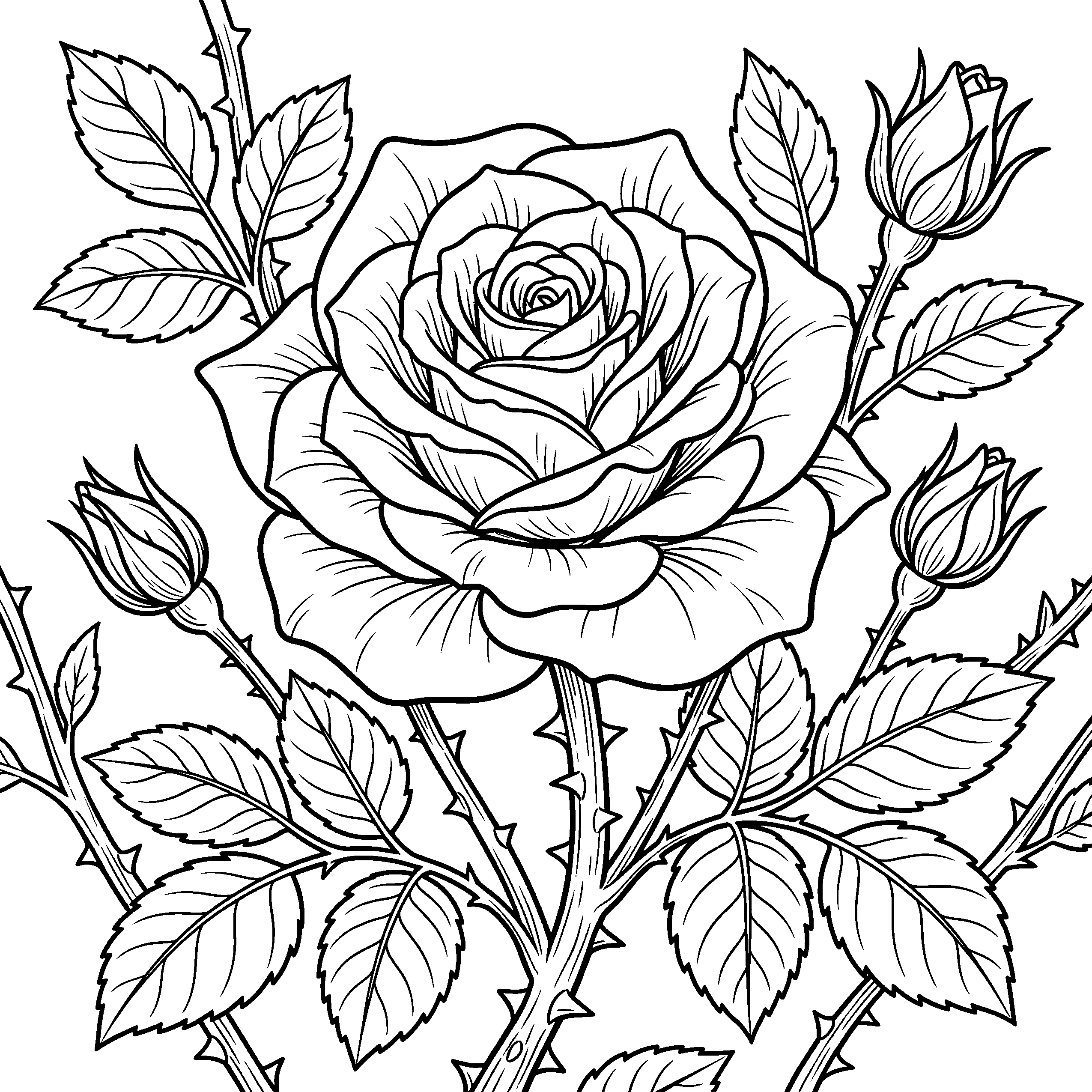
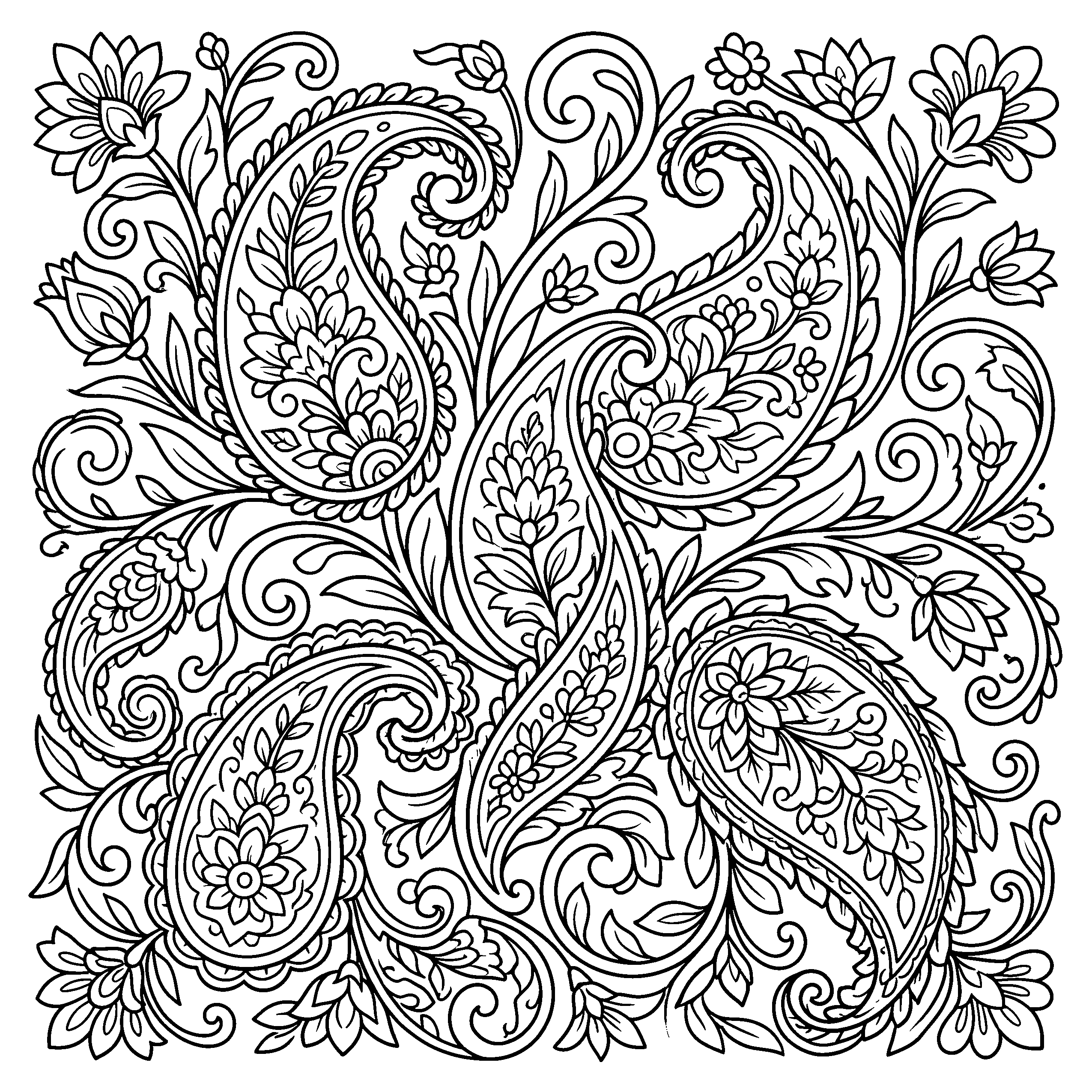
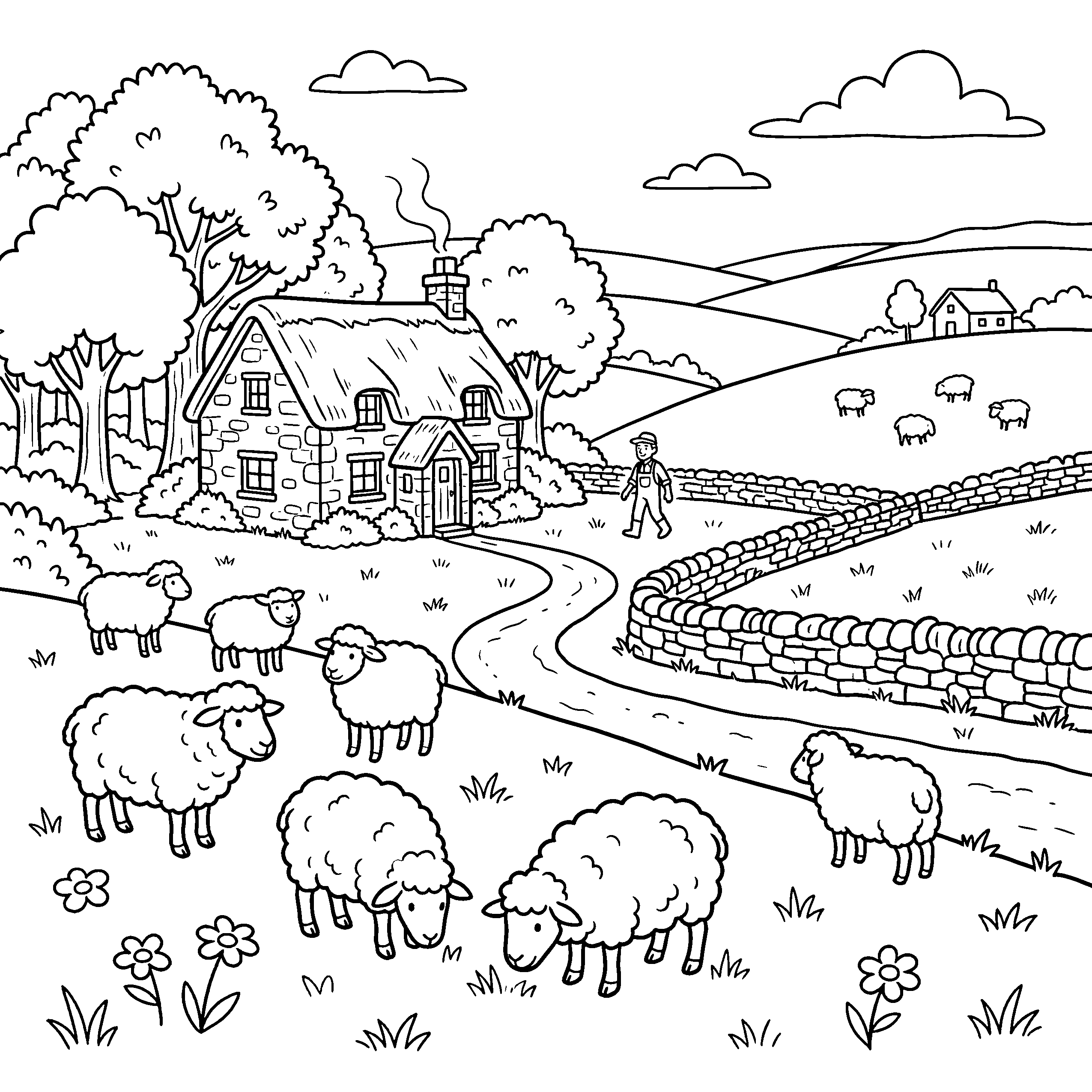
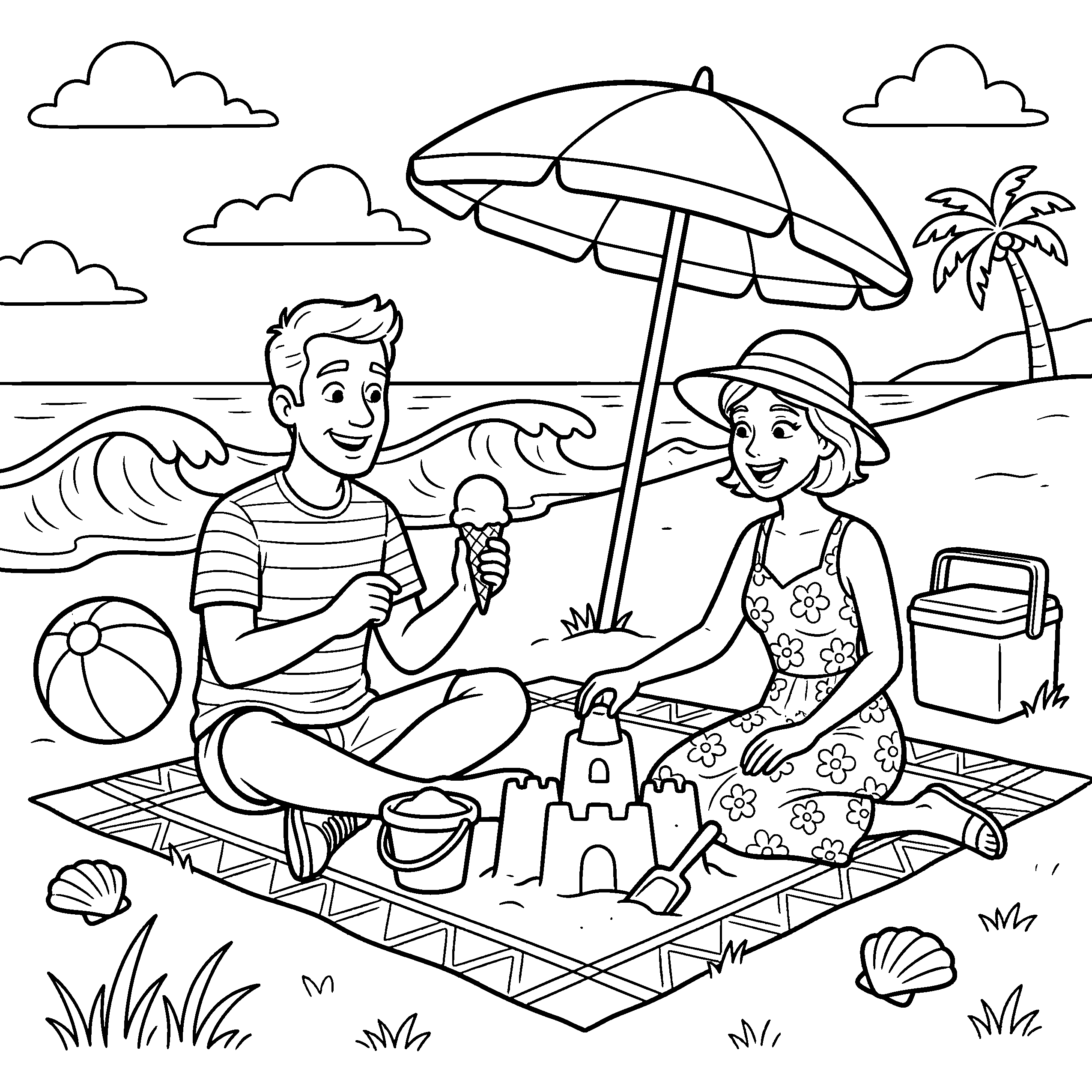
Real pages generated by BookIllustrationAI
What print-ready actually means
Any generator can hand you line art. These are the 5 things Amazon checks that an image on its own does not satisfy, and the reason a page that looks right on screen still comes back rejected.
- 300 DPI at your trim size
- Below that, lines print with visible blurring. A file that looks sharp on screen can still be under 300 DPI once it is placed on an 8.5 by 11 inch page.
- Grayscale, not RGB
- KDP converts RGB for a black ink interior, and the conversion leaves gray artifacts along your lines that print as muddy strokes.
- 0.125 inch bleed on the page canvas
- Anything reaching the page edge has to extend into the bleed area, and the canvas itself has to be bleed dimensions rather than trim.
- A blank page behind every design
- Markers and alcohol pens bleed through. A 40-design book is 80 interior pages, with designs on right-hand pages.
- Line weight that survives print
- Lines thinner than 2pt risk disappearing. Bold and easy designs run 4 to 8pt.
The full walkthrough, including cover spine width and listing setup, is in the guide to creating a coloring book for Amazon KDP. To check a finished file before you upload, run it through the manuscript pre-flight checker.
From idea to Amazon in minutes
Other tools make you juggle Midjourney, Photoshop, and a PDF editor. BookIllustrationAI handles everything in one place.
Pick a style, describe your theme
Choose from 60 art styles like Bold & Easy, Stained Glass, or Mandala. The complexity and line weight adjust automatically to match your style.
"Cute cozy animals in a garden with flowers and butterflies"
AI generates clean line art
Get pure black-and-white outlines in seconds. No shading, no gray tones, no artifacts. Every page passes KDP file review.
Build your full book
Generate 50-120 pages in one batch with consistent style. Rearrange, remove, or regenerate individual pages. Add a cover that matches your interior.
Export and sell on Amazon
Download a KDP-ready PDF with correct trim size, 0.125" bleed, and grayscale color mode. Upload to Amazon and start earning.
coloring-book-interior.pdf
KDP-ready manuscript
Generation time for a 40-page book: about 20 minutes
No Photoshop. No Illustrator. No PDF stitching. Just describe, generate, export, sell.
Where general AI image tools stop
Midjourney, ChatGPT, and the free coloring page generators all make good line art. None of them makes a book. This is the work left over once the images are done.
What you still do by hand
- Write and re-roll a prompt per page, 40 to 80 times
- Resize each export to trim and add bleed
- Insert a blank page behind every design
- Assemble the interior PDF in a layout app
- Build a cover whose spine depends on final page count
What happens here instead
- Describe the book once, generate every page
- Pages arrive at trim size with bleed applied
- Backing pages inserted automatically
- Interior PDF exported ready to upload
- Cover generated with spine width calculated
Tool by tool, with the honest case for each one, is on the coloring book generator comparisons. If you would rather keep the generator you already use, the free coloring page prompt generator gives you 200+ prompts to paste into it.
Everything you need to publish
From first prompt to KDP upload, all in one tool
AI coloring page generator
Type a prompt, get clean black-and-white line art. Pure outlines, no shading, ready for coloring.
60 art styles
Bold & Easy, mandala, cartoon, kawaii, zentangle, floral, geometric, fantasy, landscape, portrait, stained glass, cottagecore, and more.
Edit any page in a sentence
Type the change ("give the bear a scarf") and the page is redrawn with the rest kept. Your last 5 versions stay one click away.
Batch book creation
Generate 50-120 pages with consistent style in one go. Build a full coloring book in minutes.
KDP-ready PDF export
Correct trim size, 0.125" bleed, 300 DPI, grayscale. Passes KDP file review every time.
Cover generator
Front, back, and spine in one file. Auto-calculated spine width based on your page count.
Pick a style before you generate
Style is the decision that makes a book sell or sit, and your audience sets it rather than your taste. Bold and easy for toddlers and seniors, dense mandalas for adult buyers, with line weight following from that.
Simple, transparent pricing
Choose the plan that works best for you
Starter
For creators getting started with KDP coloring books
Each month: A 28-page book and its cover
- 29 credits per month (pages + covers)
- 3 book projects
- Batch generation (full books) (not included)
- Cover generator
- KDP-ready PDF export (300 DPI)
- All art styles
- Commercial license included
- Priority generation (not included)
- Email support
Builder
For active KDP publishers
Each month: A 72-page book and its cover
- 74 credits per month (pages + covers)
- Unlimited book projects
- Batch generation (full books)
- Cover generator
- KDP-ready PDF export (300 DPI)
- All art styles
- Commercial license included
- Priority generation
- Email support
Publisher
For high-volume KDP publishers
Each month: 3 books of 60 pages, covers included
- 200 credits per month (pages + covers)
- Unlimited book projects
- Batch generation (full books)
- Cover generator
- KDP-ready PDF export (300 DPI)
- All art styles
- Commercial license included
- Priority generation
- Priority support
Frequently asked questions
- How do you generate coloring pages with AI?
- You describe the subject and pick a style, and the generator returns black and white line art. In BookIllustrationAI you do that once for a whole book rather than once per image: you set the theme, the audience, and the trim size, and it generates every page against the same style reference so the book looks like one book.
- Are AI generated coloring pages good enough to sell on Amazon KDP?
- Yes, and people sell them every day. The constraint is not image quality, it is print specification. KDP rejects on resolution, color mode, bleed, and margins, none of which a general image generator sets for you. Pages generated here come out at 300 DPI in grayscale at the trim size you picked.
- What resolution do generated pages export at?
- 300 DPI at the trim size you selected, which is what KDP asks for. That matters more than it sounds: many AI image tools return a fixed square around 1024 by 1024 px regardless of the aspect ratio you asked for, which is under 300 DPI once placed on a full page and needs upscaling before it is usable.
- Can you keep the same style across every page of a book?
- That is the part that separates a book from a folder of images. Every page is generated against a shared style reference with its own per-page seed, so 50 pages read as one set instead of 50 unrelated drawings, and without repeating the same drawing with the props changed around it.
- Do you have to tell Amazon the pages were made with AI?
- Yes. KDP asks you to declare AI-generated content at upload. It does not stop you publishing or selling, it is a disclosure, and the question is on the upload form itself.
- Is there a free AI coloring page generator?
- There are several, and for a single page they are genuinely hard to beat. Adobe Express generates coloring pages free and states you can use them in published coloring books. The case for a paid tool starts when you are assembling books repeatedly, because generating the image is roughly 10% of the work of shipping a coloring book.
Plans start at $39.99 a month. There is no free tier: every plan is paid upfront and credit-based. See what each plan includes.
Last updated: Sep 7, 2026
Ready to generate your first pages?
Pick a plan, generate a full set of pages in one style, and export a KDP-ready PDF today.
Start generating