BookIllustrationAI
Generate a coloring book cover, sized to your KDP spine
Front art drawn from your own interior pages, a spine calculated from your page count, and a full-wrap PDF at the exact size KDP asks for. The cover matches the book because it is made from the book.
- Front art drawn from your interior pages
- Spine width from your page count
- Full-wrap PDF at KDP's exact size
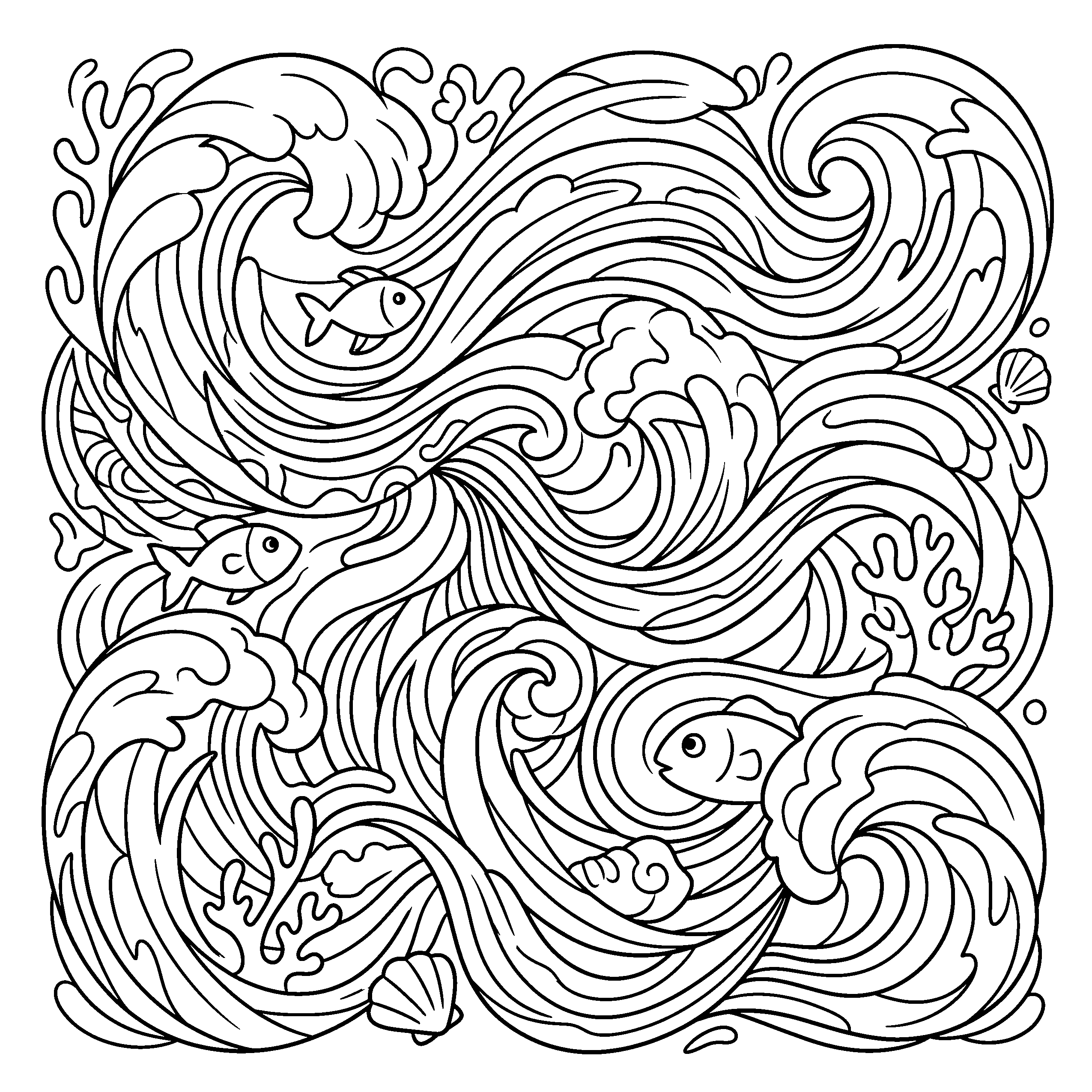
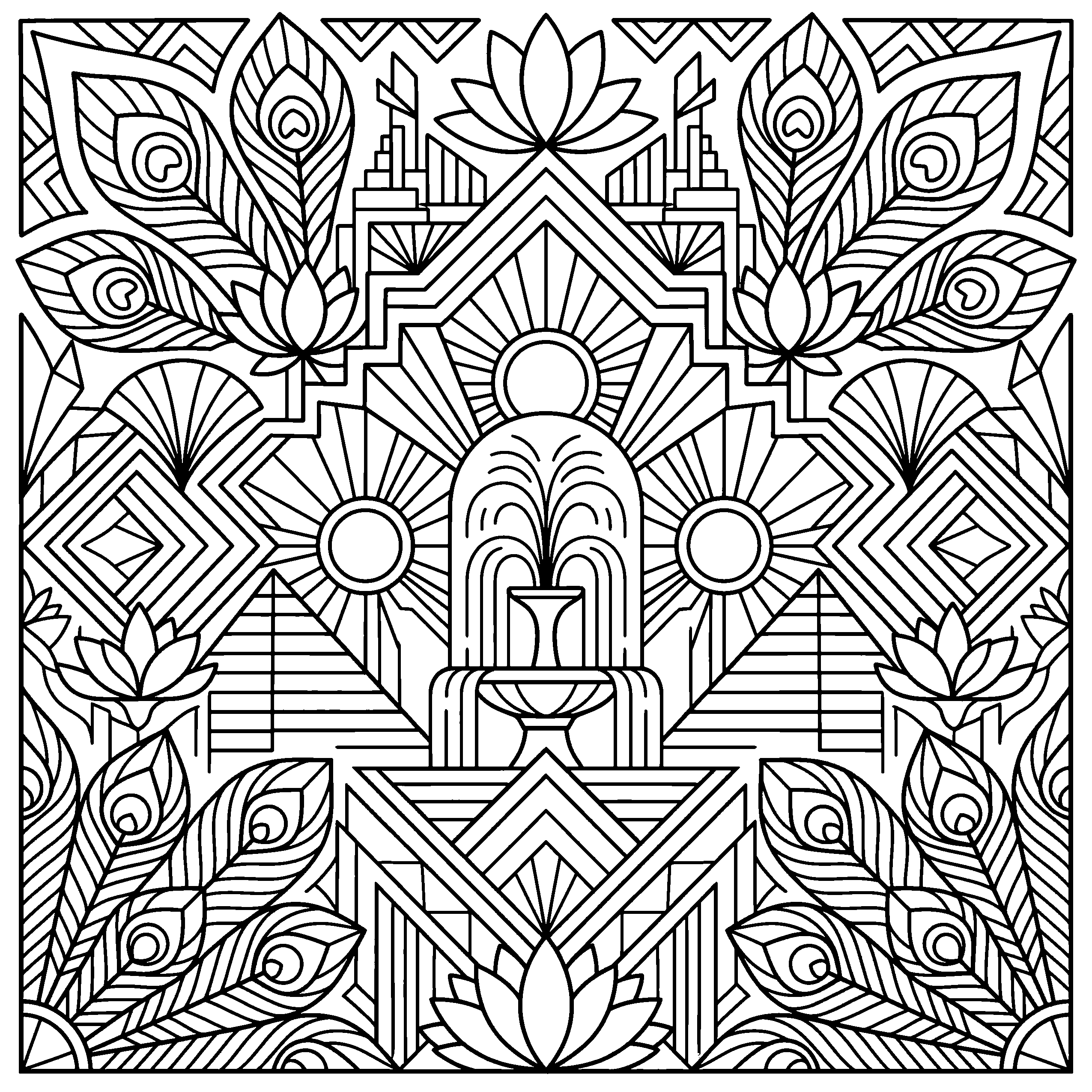
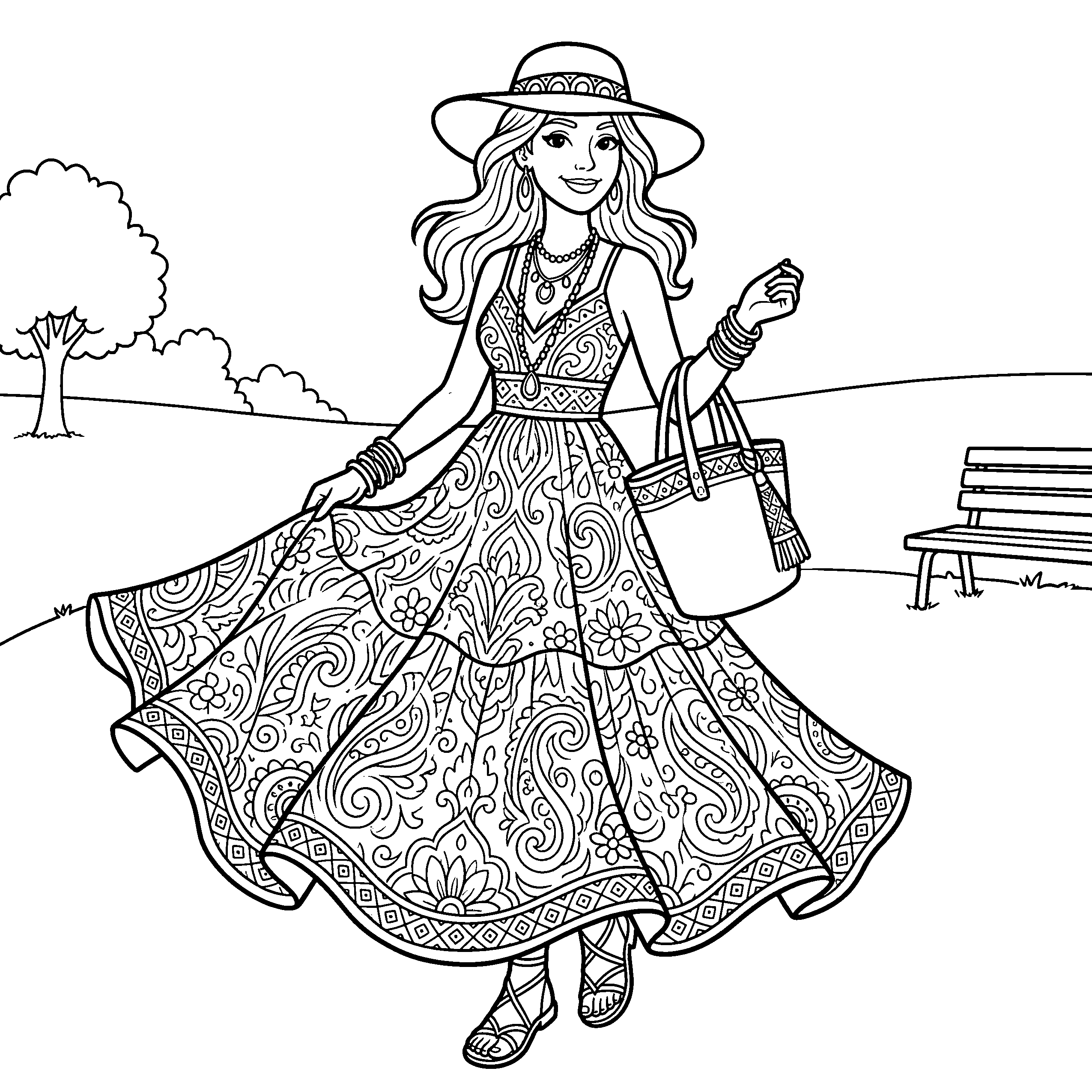
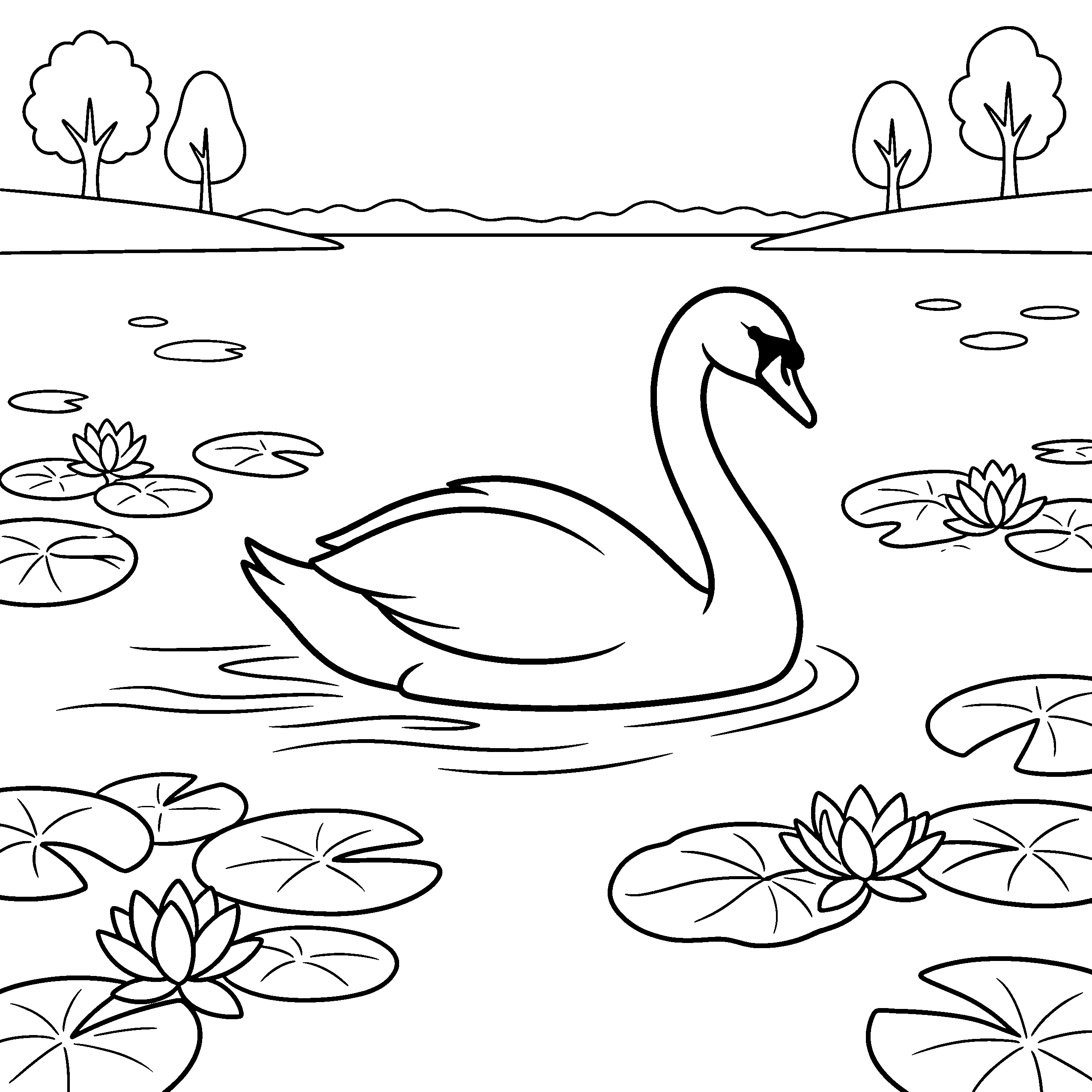
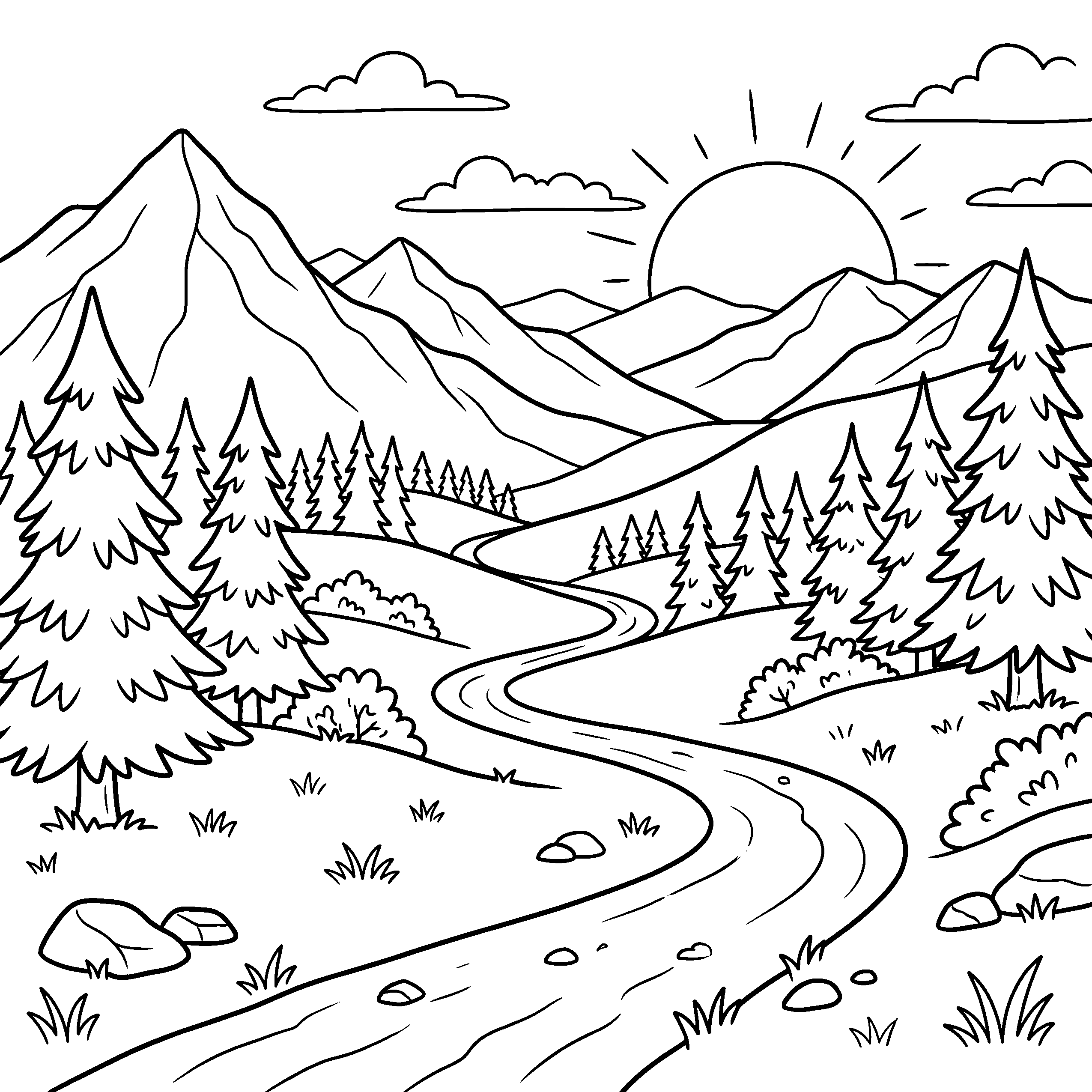
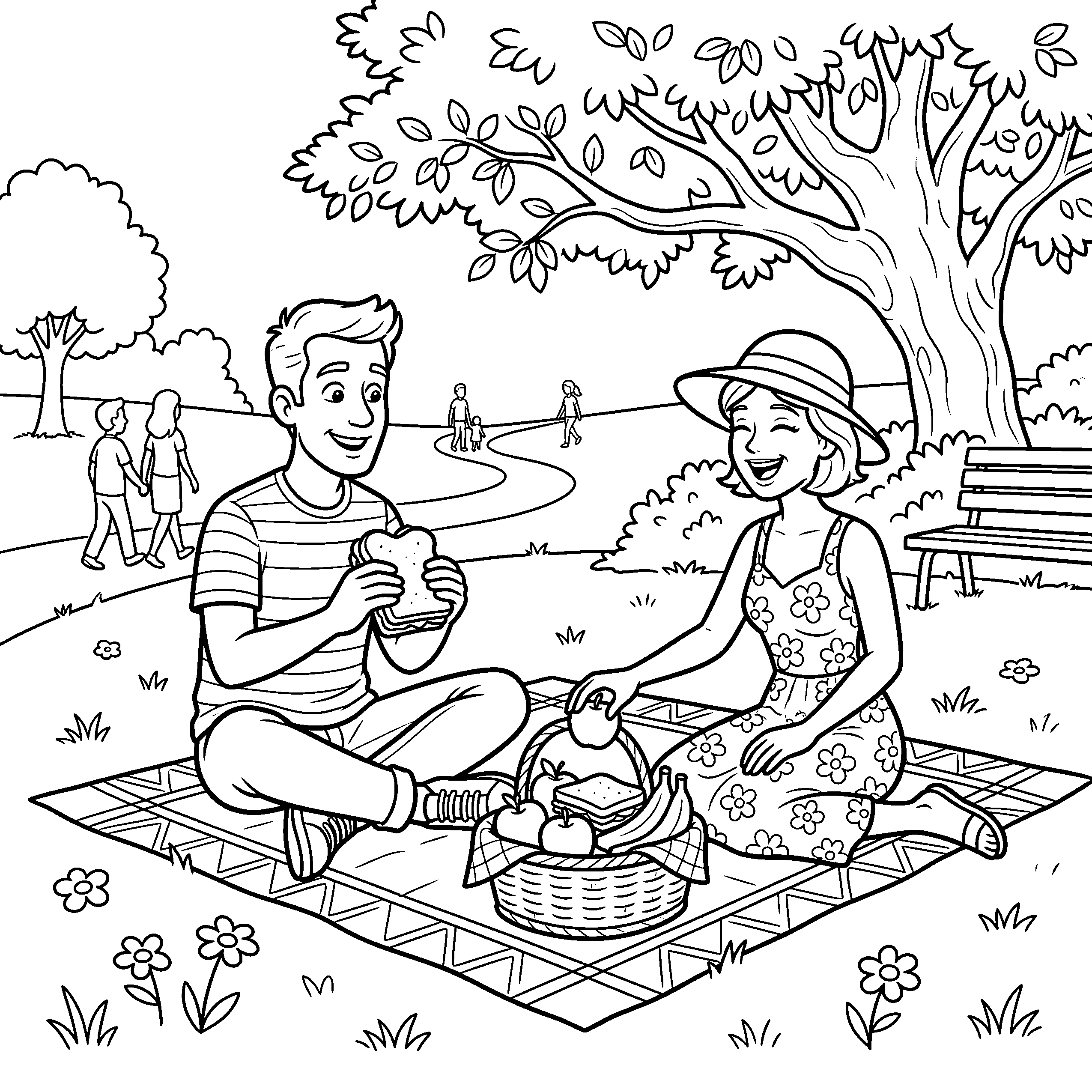
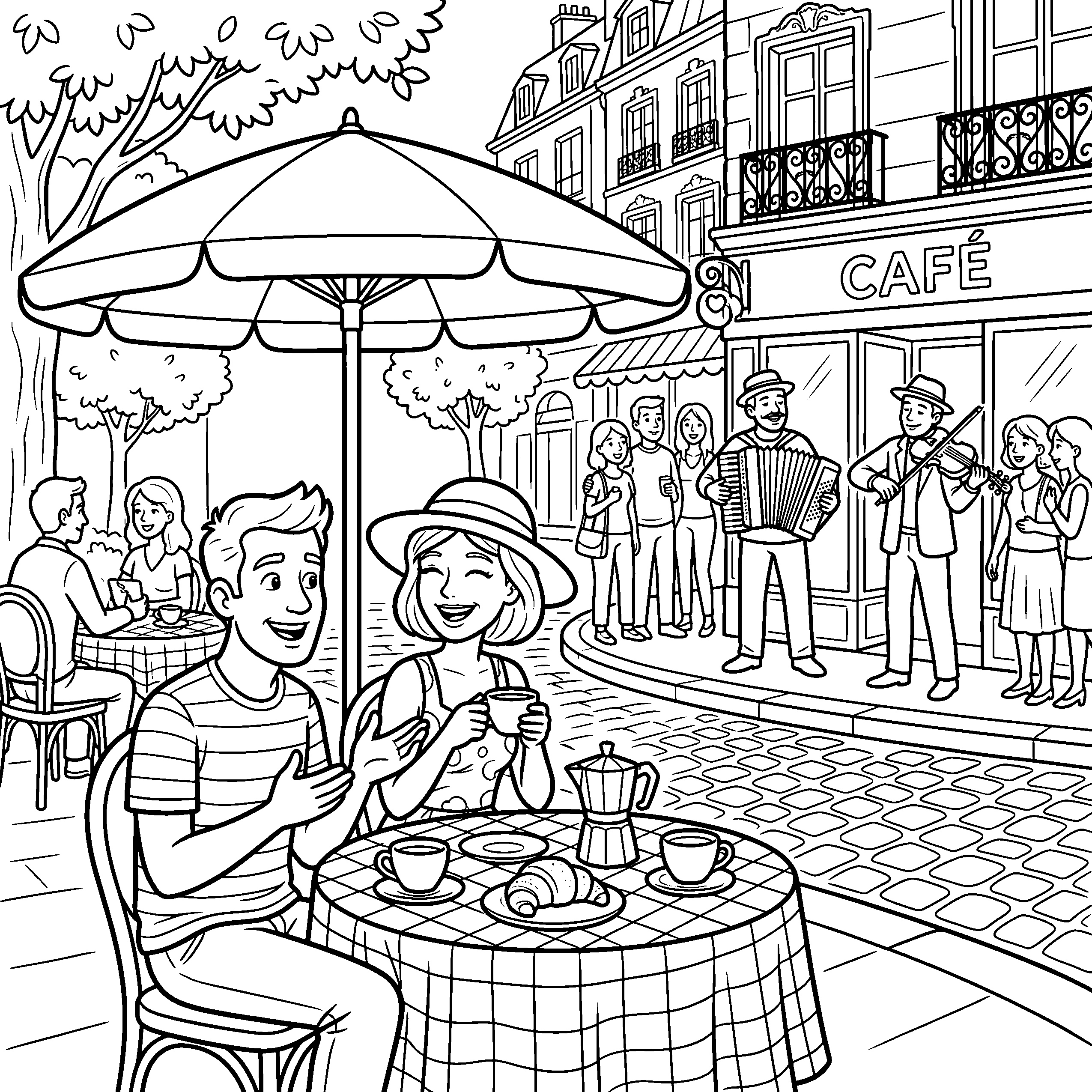
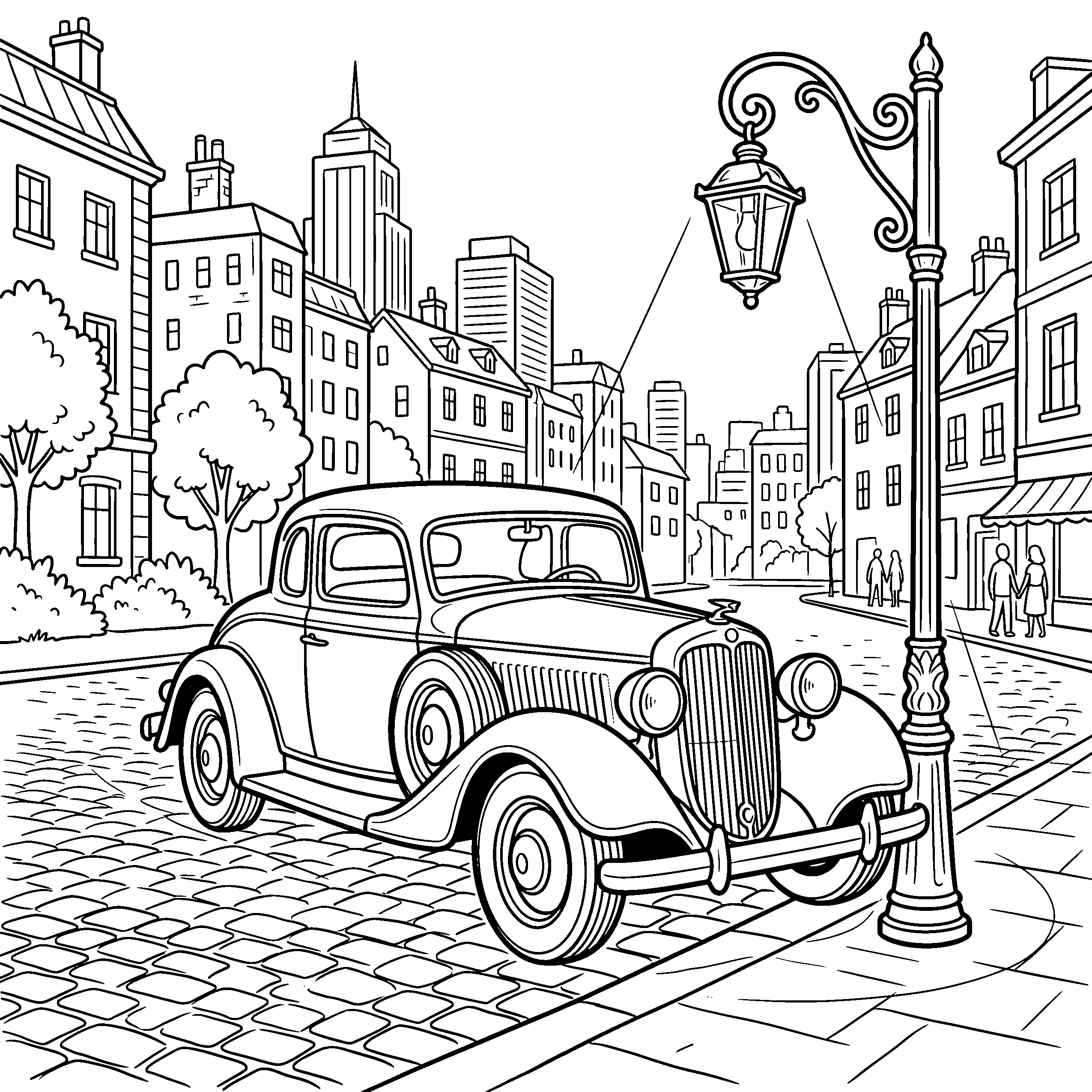
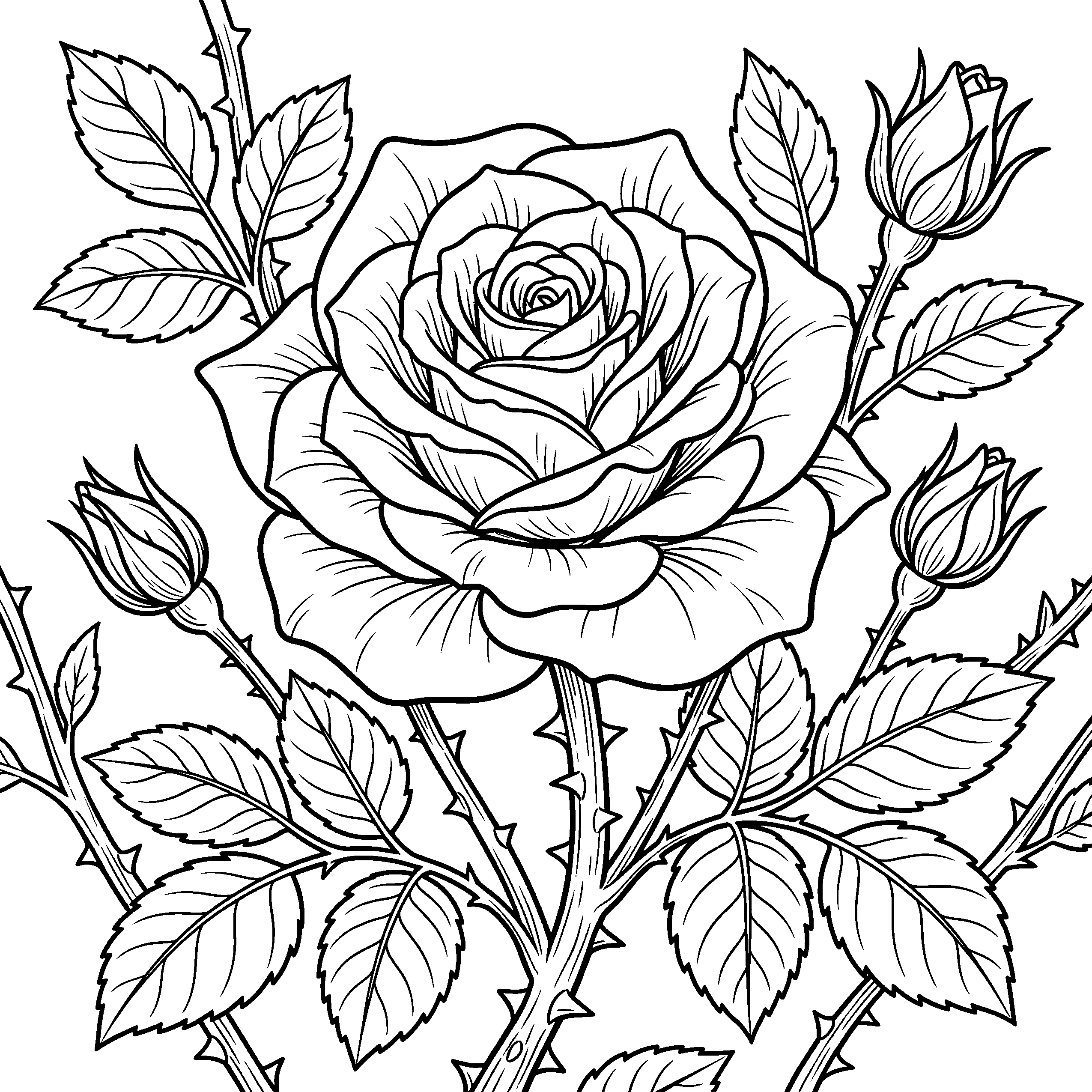
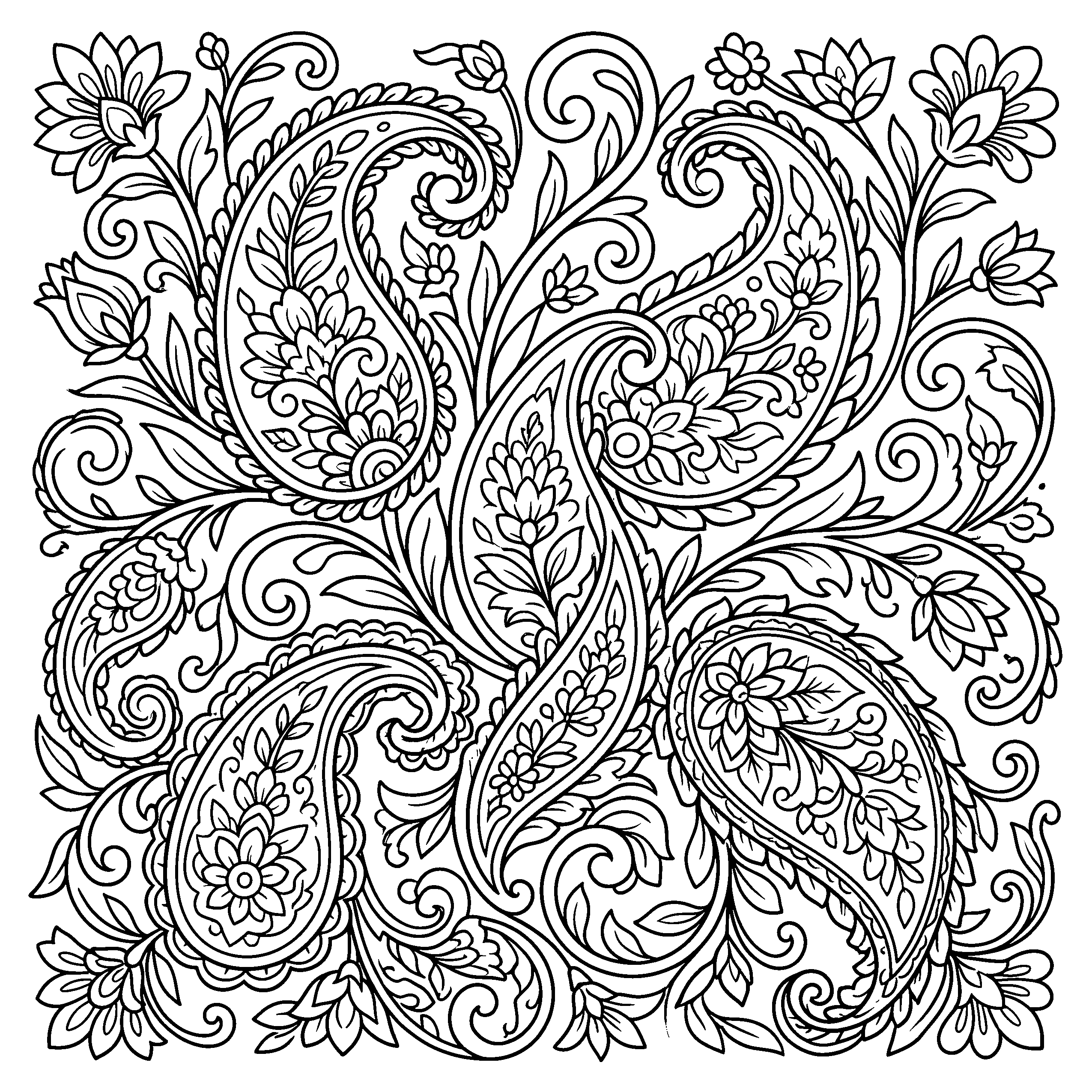
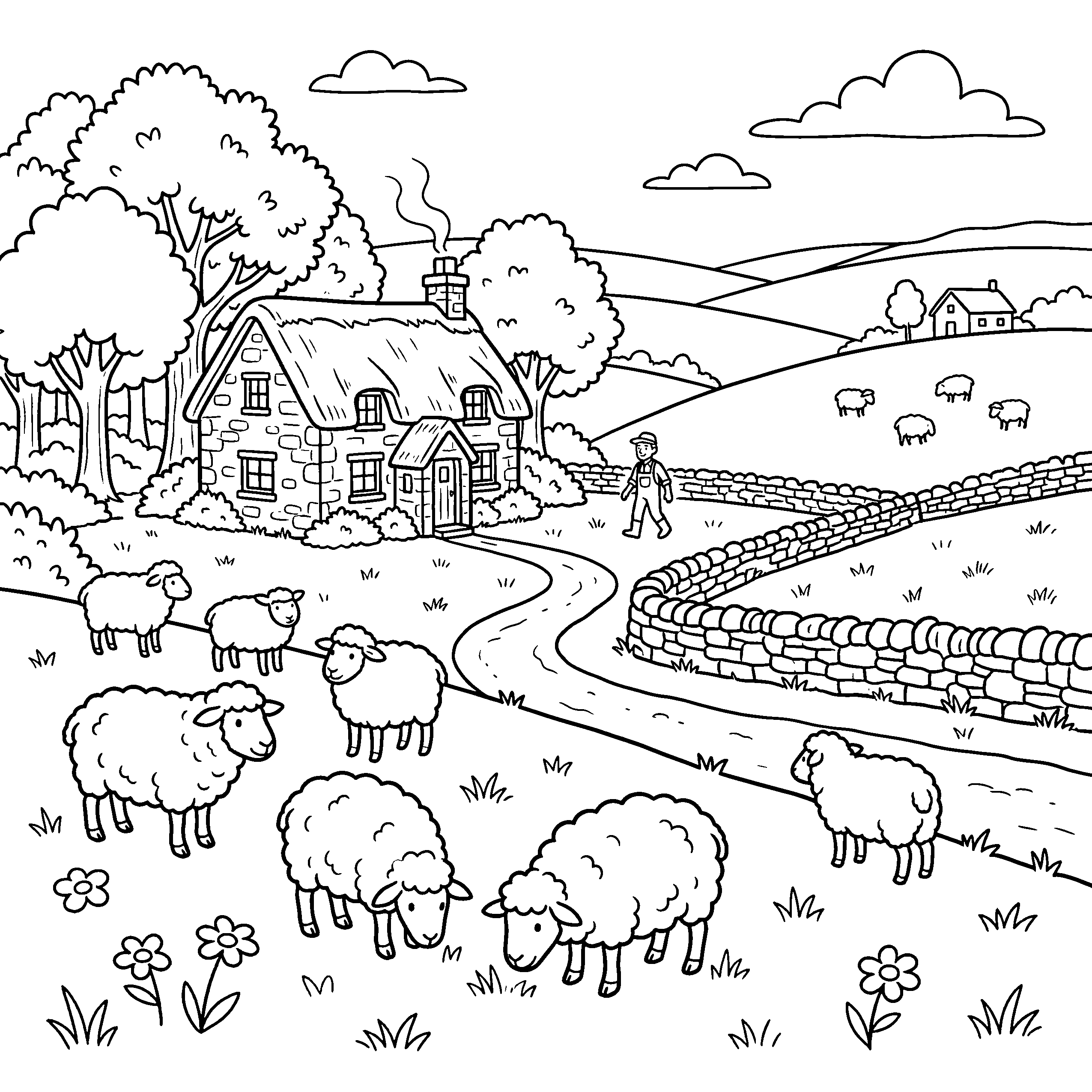
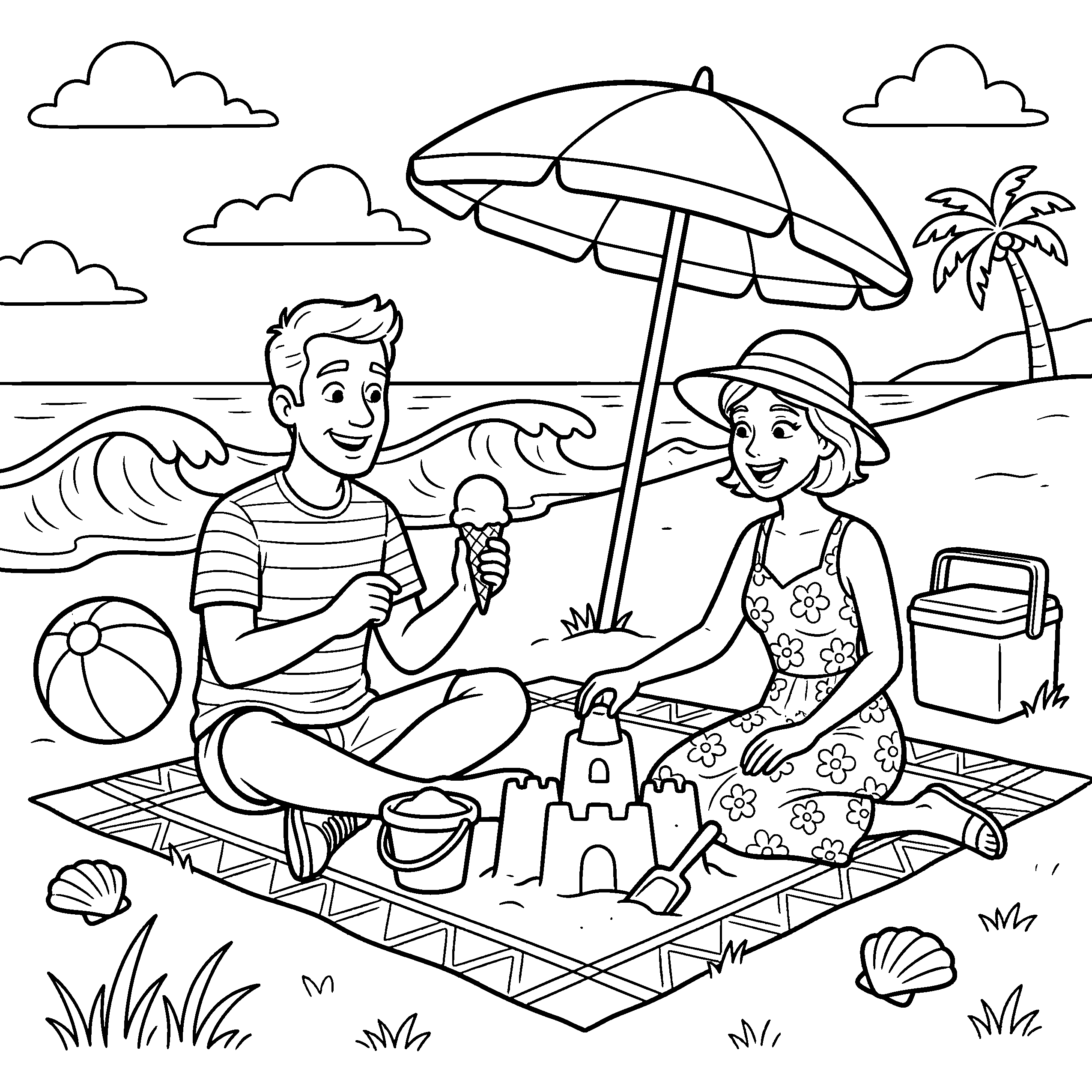
Real pages generated by BookIllustrationAI
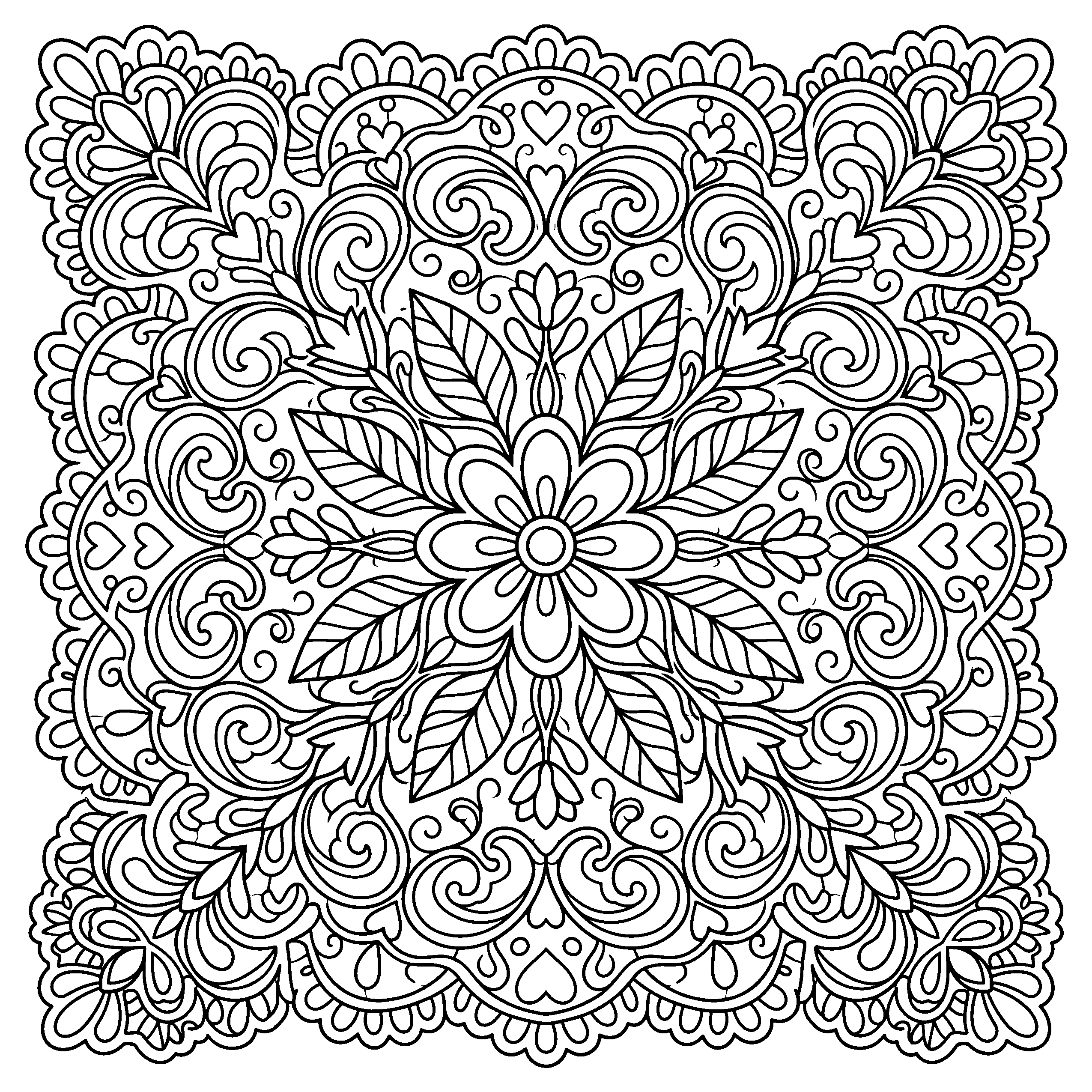
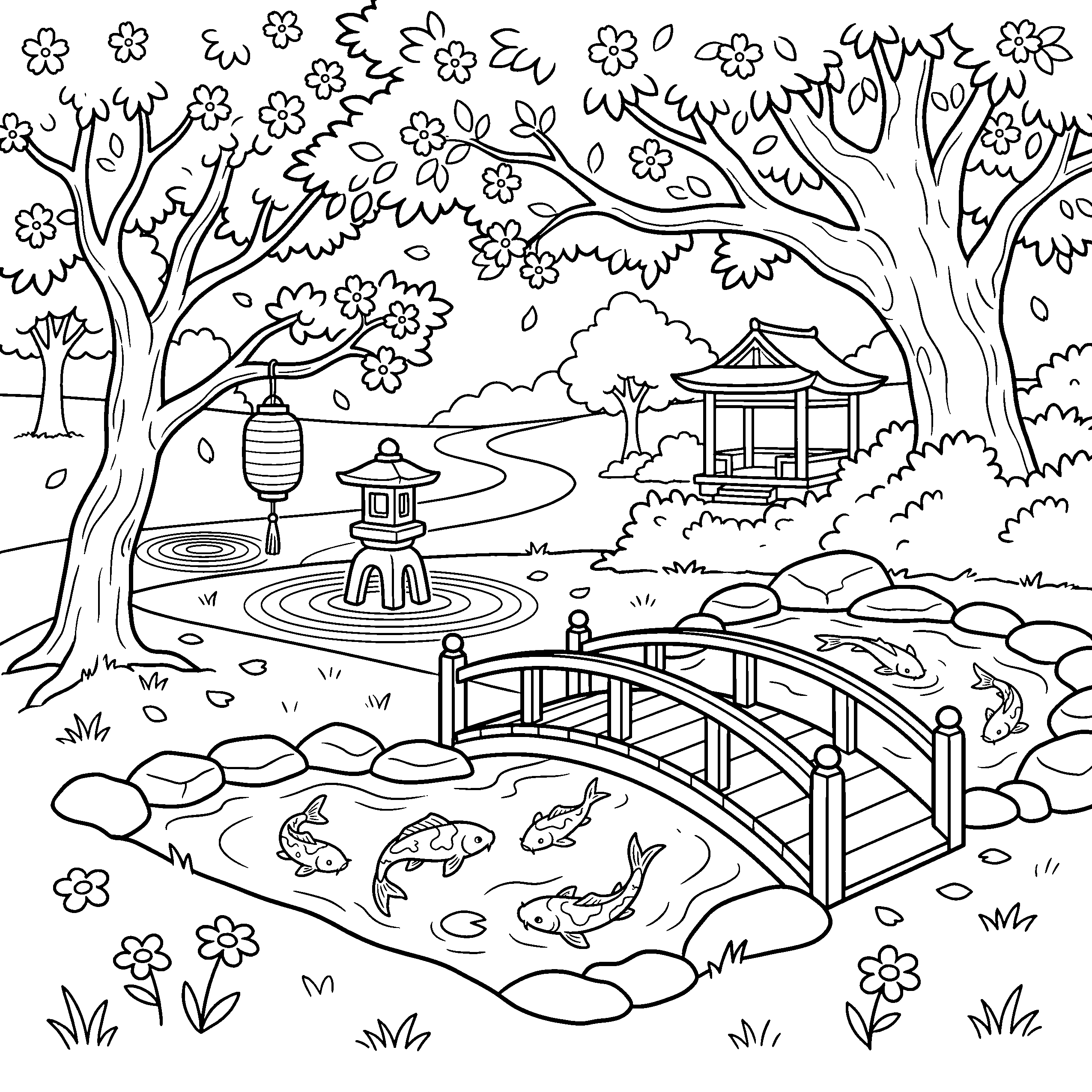
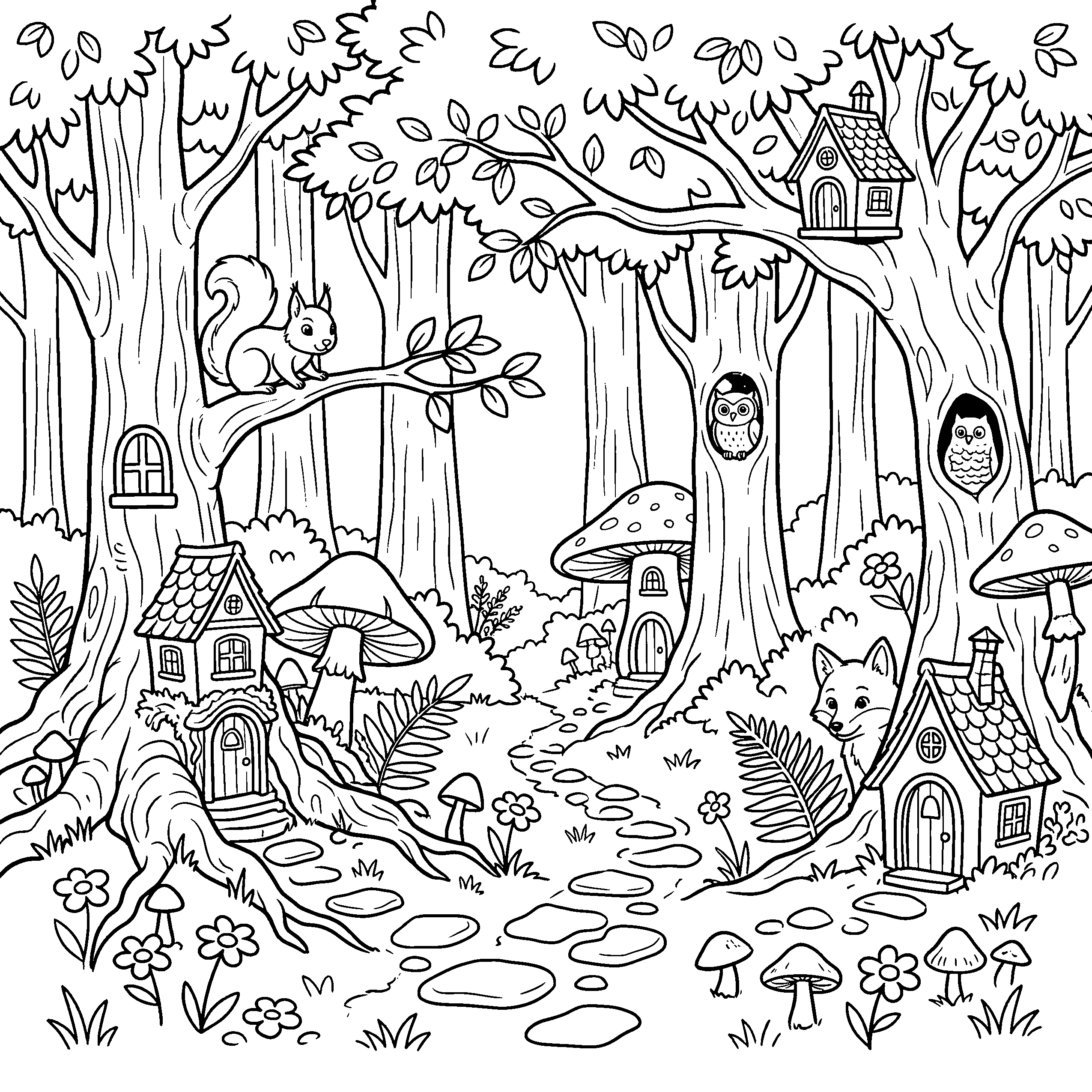
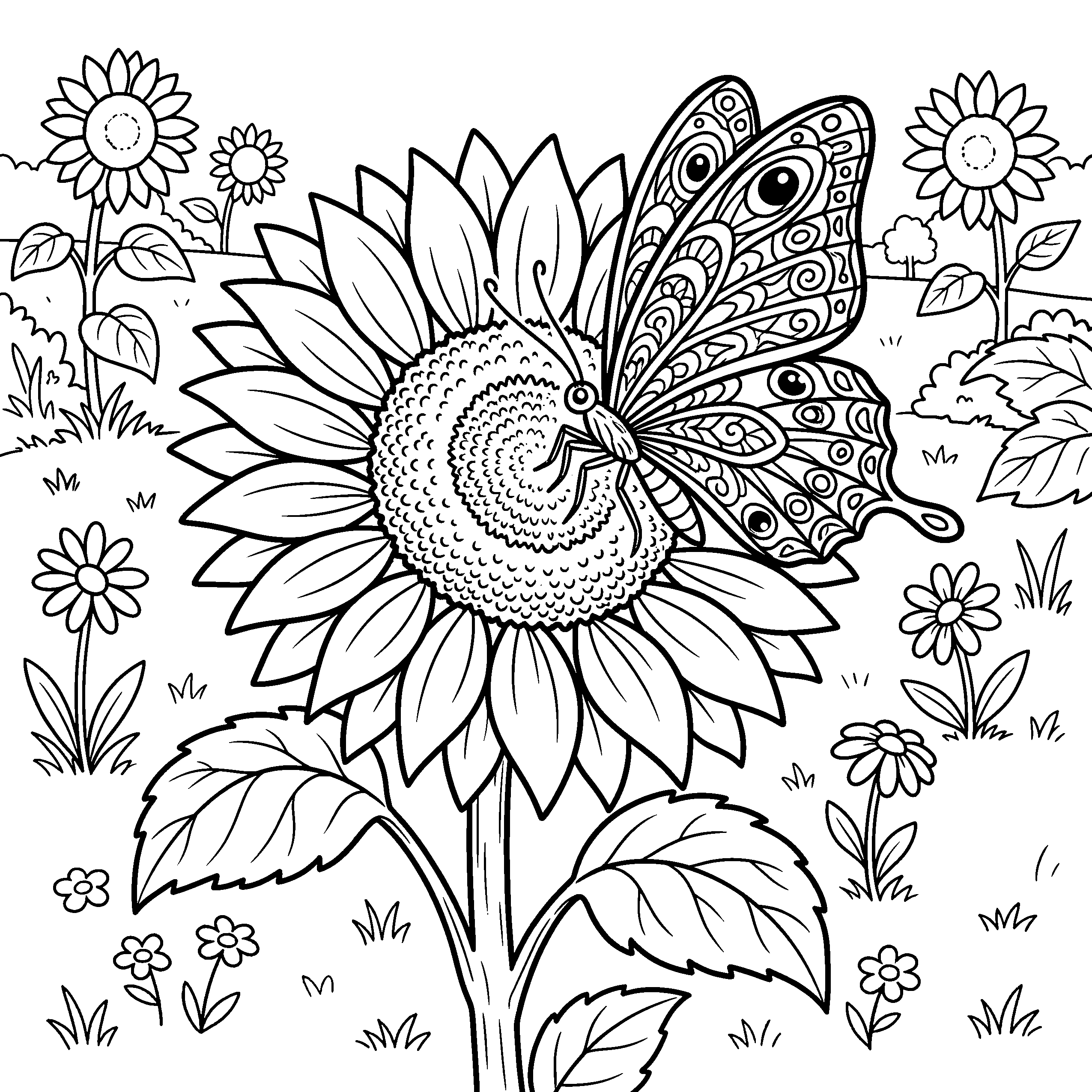
What KDP checks on a cover file
A good front image is half a cover. These are the 5 things KDP checks on the file itself, and the reason a cover that looks right still comes back from review.
- One file: back, spine and front
- KDP takes the whole wrap as a single PDF. Its width is bleed + back + spine + front + bleed, so an 8.5 x 11 book with 110 pages on white paper needs a cover exactly 17.498 x 11.25 inches.
- A spine sized to your page count
- Spine width is your page count times the paper thickness: 0.002252 inches a page on white paper, 0.0025 on cream. Add 20 designs and the spine grows, so a cover made for the old page count no longer fits.
- 0.125 inch bleed on every outer edge
- Any background has to run 0.125 inches past the trim on all four sides of the wrap, or the cut leaves a white sliver.
- Spine text only on thicker books
- KDP only prints spine text from 79 pages up. On a thinner book the spine stays blank, and text placed there anyway is flagged.
- Text that matches your listing
- The title and author on the cover have to match the book details you enter at upload, character for character.
To work out the wrap size for any trim and page count, use the KDP specs calculator. For layouts that stay readable as an Amazon thumbnail, see the coloring book cover design guide.
From idea to Amazon in minutes
Other tools make you juggle Midjourney, Photoshop, and a PDF editor. BookIllustrationAI handles everything in one place.
Pick a style, describe your theme
Choose from 19 art styles like Bold & Easy, Stained Glass, or Mandala. The complexity and line weight adjust automatically to match your style.
"Cute cozy animals in a garden with flowers and butterflies"
AI generates clean line art
Get pure black-and-white outlines in seconds. No shading, no gray tones, no artifacts. Every page passes KDP file review.
Build your full book
Generate 50-120 pages in one batch with consistent style. Rearrange, remove, or regenerate individual pages. Add a cover that matches your interior.
Export and sell on Amazon
Download a KDP-ready PDF with correct trim size, 0.125" bleed, and grayscale color mode. Upload to Amazon and start earning.
coloring-book-interior.pdf
KDP-ready manuscript
Total time from idea to KDP upload: under 10 minutes
No Photoshop. No Illustrator. No PDF stitching. Just describe, generate, export, sell.
How the cover gets made
- 1
Generate your interior first
The cover is drawn after the pages, because it is drawn from them.
- 2
Generate the front artwork
The AI reads up to 5 of your finished pages and your art style, then draws a front cover in the same hand. The art carries no text, and every version you generate is kept so you can go back to an earlier one.
- 3
Set the text
Type the title, subtitle, author name and back cover blurb, and pick 1 of 6 title fonts. The text is typeset rather than drawn, so it prints sharp and spelled exactly as you typed it.
- 4
Download the wrap
Export a full-wrap PDF at KDP's exact size with the spine width and 0.125 inch bleed built in, or an editable PowerPoint if you want to adjust the layout yourself.
Where a front-cover maker stops
Free cover tools make a good front image. KDP needs a finished wrap sized to your book, and that is the part left to you.
What you still do by hand
- Design a front cover on its own
- Work out the spine width from your page count
- Resize everything into one back-spine-front wrap
- Redo the wrap every time the page count changes
- Match the cover art to the pages inside
What happens here instead
- Front art drawn from your own interior pages
- Spine width calculated from page count and paper
- Back, spine and front exported as one PDF
- Cover rebuilt for the new page count on export
- Title, blurb and author set in 6 fonts
The cover comes after the pages. To generate those first, start with the AI coloring page generator.
Everything you need to publish
From first prompt to KDP upload, all in one tool
AI coloring page generator
Type a prompt, get clean black-and-white line art. Pure outlines, no shading, ready for coloring.
18 art styles
Bold & Easy, mandala, cartoon, kawaii, zentangle, floral, geometric, fantasy, landscape, portrait, stained glass, cottagecore, and more.
Edit any page in a sentence
Type the change ("give the bear a scarf") and the page is redrawn with the rest kept. Your last 5 versions stay one click away.
Batch book creation
Generate 50-120 pages with consistent style in one go. Build a full coloring book in minutes.
KDP-ready PDF export
Correct trim size, 0.125" bleed, 300 DPI, grayscale. Passes KDP file review every time.
Cover generator
Front, back, and spine in one file. Auto-calculated spine width based on your page count.
Simple, transparent pricing
Choose the plan that works best for you
Starter
For creators getting started with KDP coloring books
- 29 credits per month (pages + covers)
- 3 book projects
- Cover generator
- KDP-ready PDF export (300 DPI)
- All art styles
- Email support
Builder
For active KDP publishers
- 74 credits per month (pages + covers)
- Unlimited book projects
- Batch generation (full books)
- Cover generator
- KDP-ready PDF export (300 DPI)
- All art styles
- Priority generation
Publisher
For high-volume KDP publishers
- 200 credits per month (pages + covers)
- Unlimited book projects
- Batch generation (full books)
- Cover generator
- KDP-ready PDF export (300 DPI)
- All art styles
- Commercial license included
- Priority generation
- Priority support
Frequently asked questions
- What size should a coloring book cover be for Amazon KDP?
- One wrap covering the back, spine and front. The width is 0.125 inch bleed + trim width + spine width + trim width + 0.125 inch bleed, and the height is the trim height plus 0.25 inches. For an 8.5 x 11 book with 110 pages on white paper, the spine is 0.248 inches and the full cover is 17.498 x 11.25 inches.
- How is the spine width calculated?
- KDP multiplies your page count by the paper thickness: 0.002252 inches per page on white paper and 0.0025 on cream. A single-sided coloring book counts every blank backing page, so 50 designs plus 10 pages of front and back matter is 110 pages. The generator reads the page count from your project, so the spine always matches the interior you export.
- Does the generator put the title on the cover?
- Yes, but not inside the artwork. The AI draws the front art with no text in it, and the title, subtitle and author are set on top when you export, in 1 of 6 fonts. That keeps the title sharp at print size and spelled exactly as you typed it, which AI-drawn lettering often is not.
- Can I edit the cover after it is generated?
- You can change the text and font and export again at no cost, generate new front art for 1 credit, or restore any earlier version you generated. If you want full control of the layout, the PowerPoint export gives you the same wrap as editable slides.
- Is there a free coloring book cover generator?
- Yes. Canva and several AI tools make book covers for free, and for a one-off front cover they are a fine choice. The case for this one is the rest of the file: art that matches your interior, and a wrap sized to your exact page count that you do not have to rebuild when the book changes.
- What does a cover cost?
- Each cover artwork generation uses 1 credit, on every plan. Changing the text and exporting the PDF or PowerPoint is free.
Plans start at $39 a month, and every plan includes the cover generator. Plans are paid upfront and credit-based. See what each plan includes.
Last updated: Sep 30, 2026
Ready to make your cover?
Generate your pages, then a cover drawn from them, and download a wrap that fits your spine.
Make your cover